Move On Reels VN Code Template 2026 | Trending Video Edit
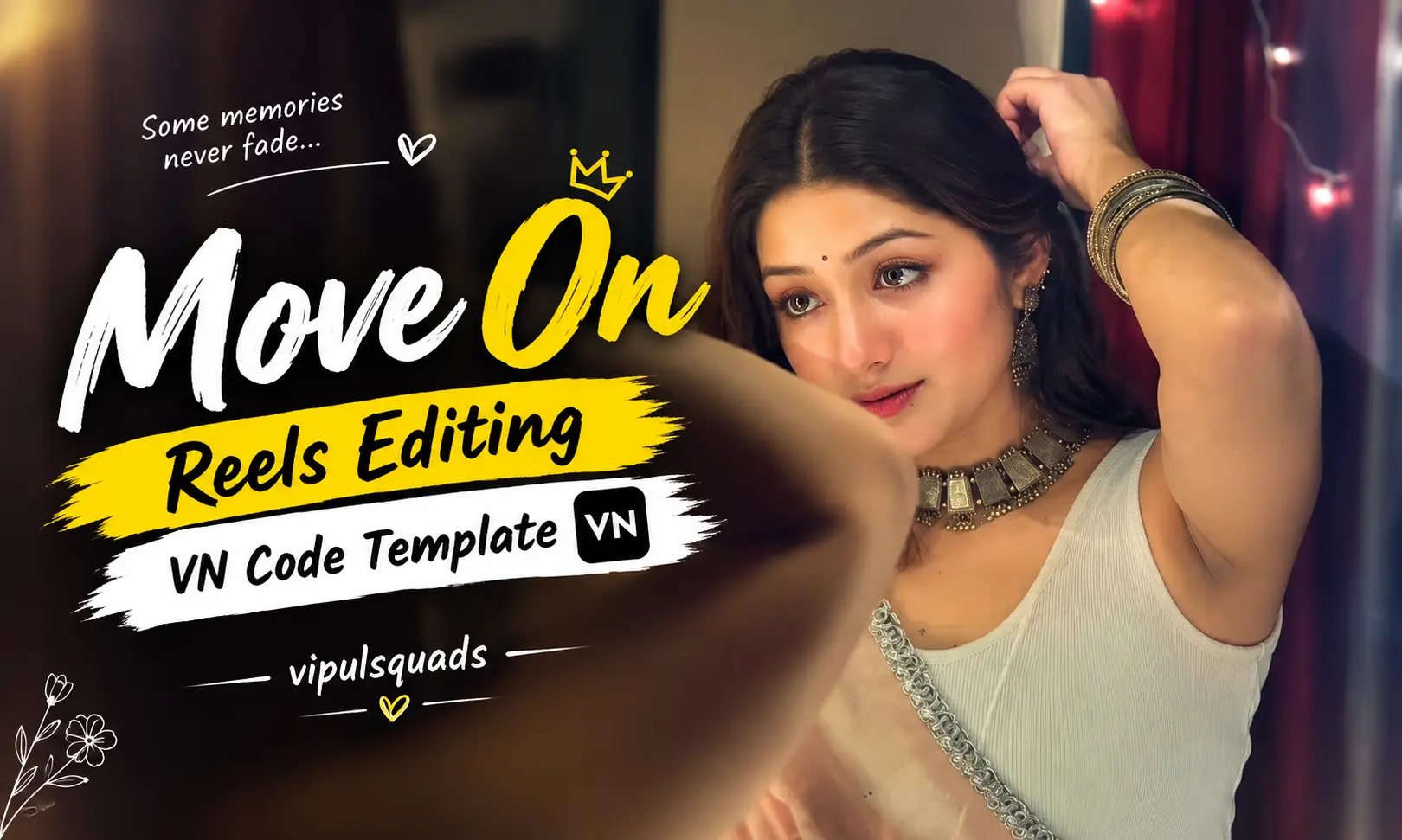
Trending Move On Reels Editing is taking Instagram by storm, especially among creators who want to turn emotional memories into powerful short videos. This editing style combines walking scenes, old memories, emotional music, and flashback effects to create a strong story in just a few seconds.
If you have memories from a past relationship or a story about moving forward, You don’t need complicated editing skills or hours of manual work.
I moved on, but my heart still looks back
In this article why this style is trending, how to use the VN Code Template, and how to make your final video look better.
What Is a Move On Reel?
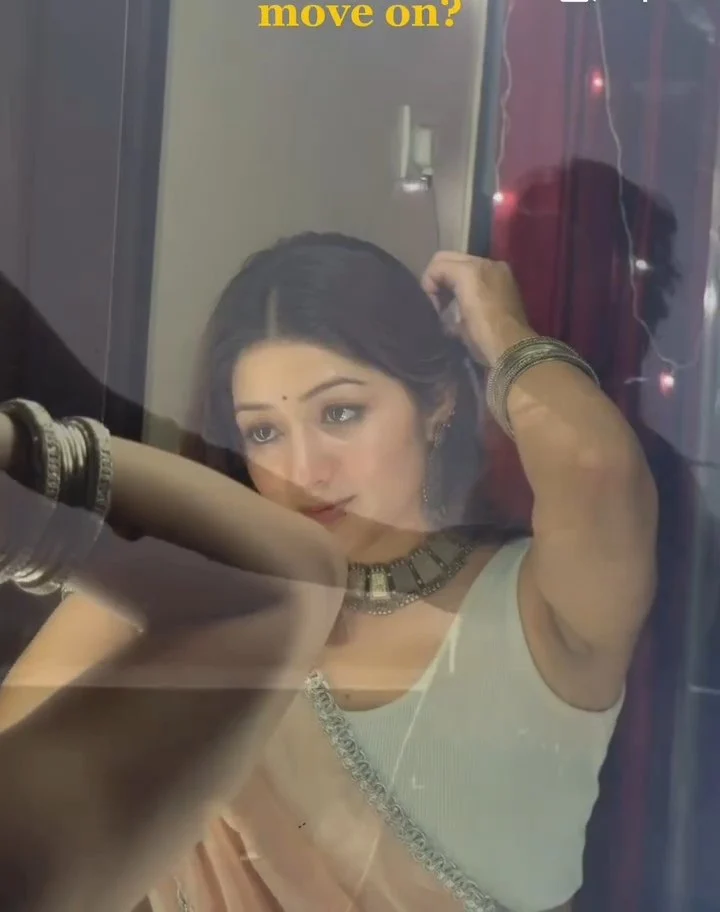
A Move On Reel is a short emotional video that represents leaving the past behind and moving toward a new beginning. These Reels are often created around heartbreak, relationships, old memories, personal growth, and emotional life experiences.
The simple combination of past memories and present moments makes this editing style highly relatable. You can use your own photos, videos, or memorable clips to give the Reel a personal story.
Why Are Move On Reels Trending?
Move On Reels are gaining attention because they communicate strong emotions without needing a long explanation. A few seconds of video, the right song, and meaningful memories can tell an entire story.
Emotional Storytelling
These Reels allow you to show feelings through visuals instead of simply writing them in a caption. The contrast between old memories and the present creates a powerful emotional effect.
Easy to Create
With a ready made VN Template, you don’t have to build transitions, effects, and timing from scratch. Add your clips, make a few adjustments, and your Reel is ready.
Perfect for Memories
Old photos and videos can become the main part of your story. Whether they are relationship memories or personal moments, you can use them to create an emotional edit.

How to Use the VN Code Template?
Using the VN Code Template is quick. You can create this type of Reel without having professional video editing experience.
- First, install the latest VN Video Editor app on your smartphone.
- Find the VN Code for the Move On Reel you want to use.
- Save the VN Code image to your gallery or take a screenshot.
- Open the VN Video Editor app.
- Tap the Scanner option in the app.
- Select the saved VN Code image from your gallery.
- Allow the app to load the template.
- Tap Use Template when the template appears.
- Select your favorite photos and video clips.
- Preview the complete Reel carefully.
- Make any changes you want to the clips or text.
- Tap Export and save your final video.
What Is VN Video Editor?
VN Video Editor is a popular mobile editing app designed for creating professional looking videos with simple tools. It is useful for beginners who want to create Reels and Shorts without learning complicated editing software.
I let you go, but a part of me stayed behind
One of its most useful features is the VN Code Template. Instead of starting an edit from zero, you can import a ready made template and replace its sample clips with your own content.
Benefits of Using VN Template Codes
VN Template Codes can completely simplify the editing process. Instead of spending time creating every transition and effect manually, you can start with a ready-made design.
Saves Editing Time
The template already contains important effects, transitions, and timing. You only need to add your own media.
Beginner-Friendly
Even if you have never edited a Reel before, you can follow the simple process and create a professional-looking video.
Easy Customization
You can replace the existing clips with your own photos and videos. This makes the final Reel more personal and unique.
Great for Trending Content
Ready-made VN templates make it easier to follow popular editing styles and create content suitable for Instagram Reels and other short-video platforms.
Tips for Making a Better Move On Reel
A good template is only the beginning. Your choice of clips and music can make a big difference in the final result.
Choose Meaningful Memories
Select photos and videos that actually represent your story. Personal and meaningful clips can make the Reel feel more genuine.
Pick Clear Videos
Always try to use high-quality photos and videos. Clear clips will make your final Reel look much more professional.
Match the Music
Choose a song that fits the emotional mood of the video. The right music can make the memories and transitions feel much stronger.
Keep It Simple
Don’t overload the Reel with unnecessary effects, stickers, or text. Let the memories, music, and transitions carry the story.
Conclusion
Creating a Trending Move On Reel with a VN Code Template is one of the easiest ways to turn your memories into an emotional social media video. You don’t need expensive editing software or professional skills to get started.
Simply scan the VN Code preview the result, and export your video. In just a few steps, you can create a stylish and emotional Reel ready to share.