
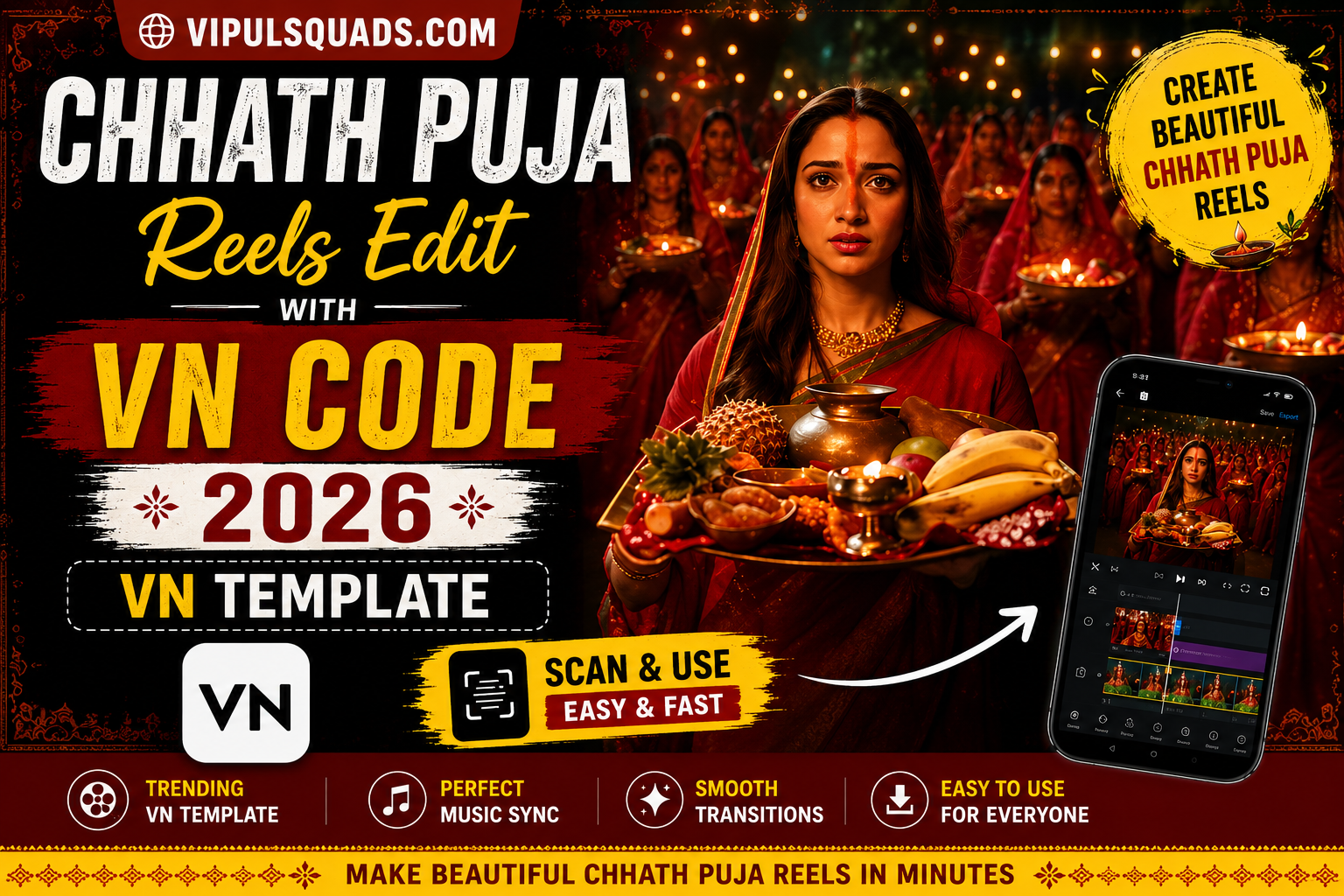
Chhath Puja Reels Edit with VN Code 2026 | VN Template
Creating a Chhath Puja Reels Edit with VN Code 2026 is an easy way to turn your festival photos and video clips into a beautiful short video. Instead of creating everything from scratch, you can use a ready-made VN Code that already includes a planned editing structure.
Depending on the template, you may get transitions, effects, music timing, text, filters, and media placeholders. You simply need to import the VN Code, add your own Chhath Puja photos or clips, and preview the final result. On Vipul Squad you can get all latest Vn Code Template.
What Is Chhath Puja VN Code Template?
A Chhath Puja VN Code Template is a ready-made video editing project designed for the VN Video Editor. The code allows you to access a prepared edit where the main structure has already been arranged.
Depending on the selected template, it may include Chhath Puja-themed music, transitions, visual effects, filters, text, and timing. You can then add your own photos or video clips to the available media slots.
This can save time because you do not need to create every transition or effect manually. Once your photos are added, the template helps arrange them according to its existing sequence.
However, the final result can still depend on the quality and type of media you select. A good template may not look its best if the photos are blurry, badly cropped, or do not match the required layout.
Why Use VN Code for Chhath Puja Reels?
VN Code templates can make the Chhath Puja video editing process quicker and easier. Instead of starting with an empty project, you get a pre-arranged structure that you can personalise with your own festival memories.
You can include photos and clips from different moments of the celebration, such as:
A VN Code can also be useful if you are new to video editing. You do not need advanced knowledge of transitions, effects, or timing to start creating a Reel.
The main advantage is that you can spend more time choosing meaningful photos instead of building the complete edit from the beginning.
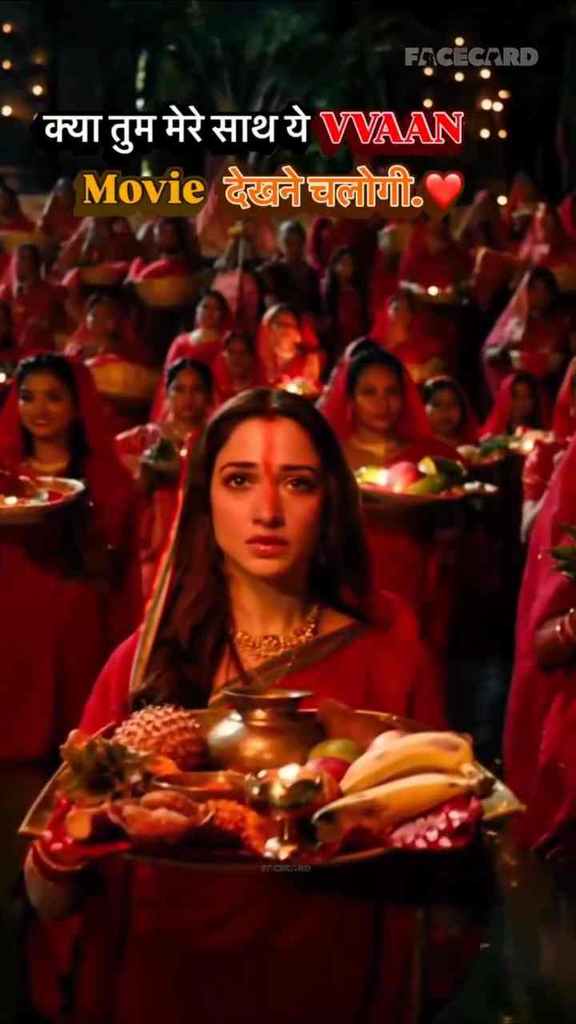
Take a Screenshot of the VN Code Below ⬇️

How to Use Chhath Puja VN Code Template
Using a Chhath Puja VN Code template is generally simple. Before starting, make sure that you have the VN Video Editor installed on your phone.
Follow these steps:
For a more natural result, try arranging your photos in a meaningful sequence. For example, you can begin with preparation or decoration photos, followed by family moments and Puja scenes. You can then use the final part of the Reel for sunset, sunrise, or Arghya moments.
If the VN Code does not scan properly, check whether the code image is clear and fully visible. A cropped or low-quality screenshot may make scanning difficult. You can try using the original code image or taking another clear screenshot.
ThIs available options may also vary depending on the VN App version and the type of template you are using.
Choose the Best Chhath Puja Photos
Choosing the right photos can make a big difference in your final Chhath Puja Reels Edit. The template provides the structure, but your photos and clips provide the actual story of the video.
Try to select images from different moments of the celebration. You can include preparation photos, traditional decorations, family pictures, Puja moments, offerings, and memorable scenes near the water.
For a better result, keep these points in mind:
If the template has several media slots, do not simply select random images. Try to use your strongest or most meaningful photo at the beginning because it creates the first impression of the Reel.
You can also save your best sunrise or sunset photos for an important part of the music. Matching the visual moment with the rhythm of the edit can make the final video feel more engaging.
Why Do People Celebrate Chhath Puja?
Chhath Puja is an important Hindu festival dedicated to Surya Dev, the Sun God, and Chhathi Maiya. The festival is associated with traditional rituals, prayers, fasting, and offerings.
People celebrate Chhath Puja to express gratitude and seek blessings for the health, happiness, and well-being of their families. Devotees take part in different rituals and offer prayers near rivers, ponds, lakes, and other water bodies.
Chhath Puja is especially popular in Bihar, Jharkhand, Uttar Pradesh, and other parts of India. It is also celebrated by communities living in different parts of the world.
Using your own photos and clips can also make the edit more personal because the final video reflects your own experience of the festival.
What Is VN Video Editor and What Are Its Advantages?
VN Video Editor is a video editing application that allows users to create and customise videos using photos, video clips, music, text, transitions, effects, filters, and other editing tools.
It can be used for different types of content, including:
One of the main advantages of VN Video Editor is that it can be suitable for both beginners and users who want more control over their edits.
Beginners can use ready-made projects and VN Code templates to save time. Instead of arranging every part of the video manually, they can start with an existing editing structure.
For a Chhath Puja Reels Edit, VN Code templates can provide a faster starting point while still allowing you to personalise the video with your own memories.
Tips for a Better Chhath Puja Reels Edit
A ready-made VN Code can make editing easier, but the final quality still depends on how well you choose and arrange your photos and clips.
Here are some useful tips for creating a better Chhath Puja Reel:
Before exporting the video, watch the complete Reel from beginning to end. Check the photo order, music timing, text, effects, transitions, and cropping.
Also, do not feel that you need to use every available effect. A clean edit with meaningful photos, smooth transitions, and proper timing can often look better than a video with too many effects.
Conclusion
The Chhath Puja Reels Edit with VN Code 2026 is a simple way to create a festival-themed video using your favourite photos and video clips. Since the main editing structure is already prepared, you can focus more on your memories instead of creating every transition and effect manually.
Start by selecting clear and meaningful Chhath Puja photos. Import or scan the VN Code, add your media to the template, and preview the complete video carefully before exporting.
For the best result, use a natural photo sequence, check the cropping, match important visuals with the music, and avoid adding unnecessary elements. With the right photos and a suitable VN Code template, you can create a memorable Chhath Puja Reel to share with your family and friends.