Vipul Squad | Trending CapCut Templates, VN Codes and AI Photo Prompts
Vipul Squad gives you daily trending CapCut Templates, VN Template Codes, AI Video Editing Prompts, and AI Photo Prompts, all completely free. You do not need any editing skill. Just copy the template or prompt, add your own photo or video, and your reel is ready to go viral.
Latest Post
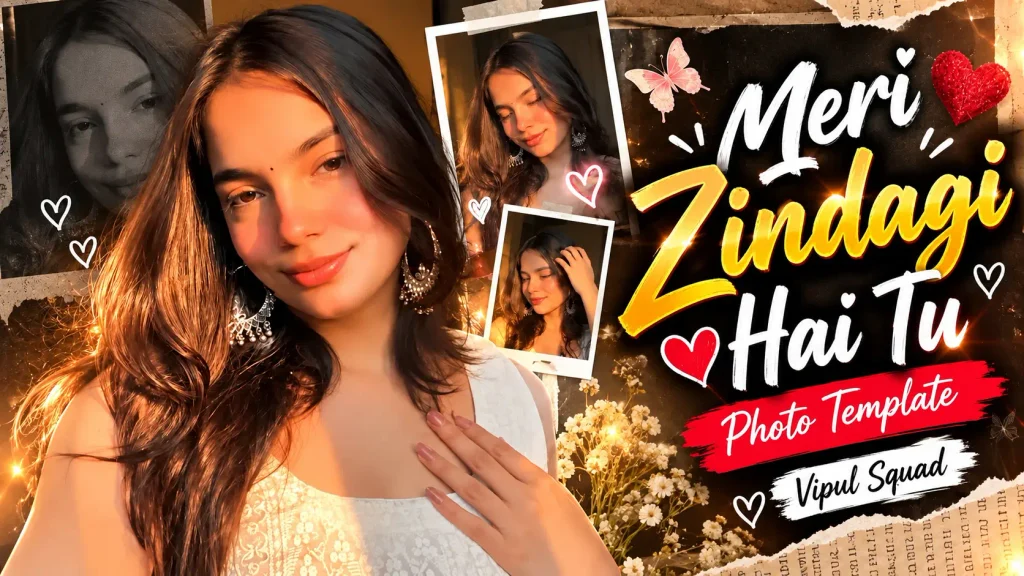
- Meri Zindagi Hai Tu Trending CapCut Template 2026
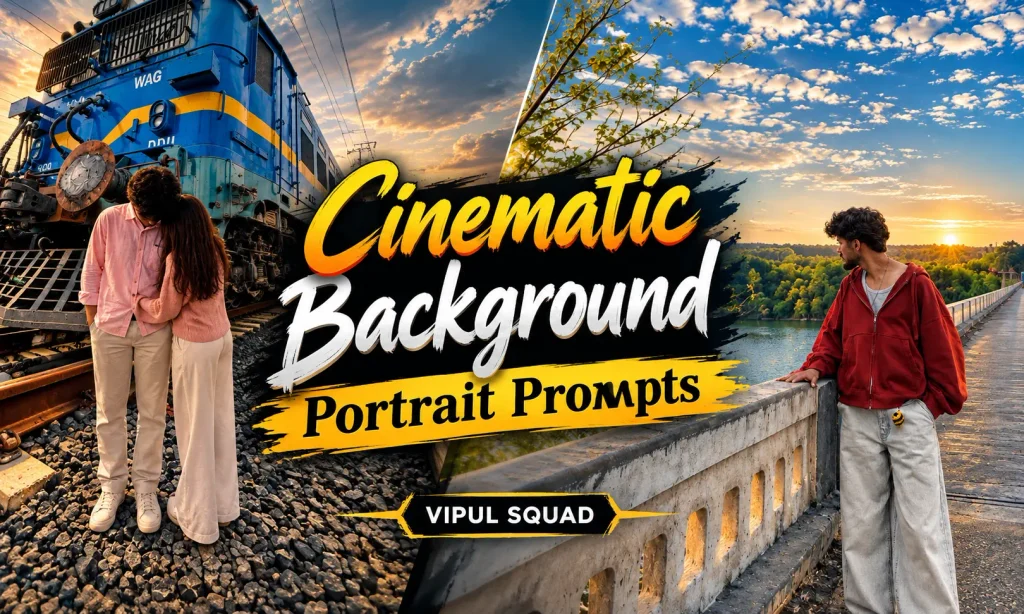
- Cinematic Background Portrait Prompts AI Photo Editing Ideas
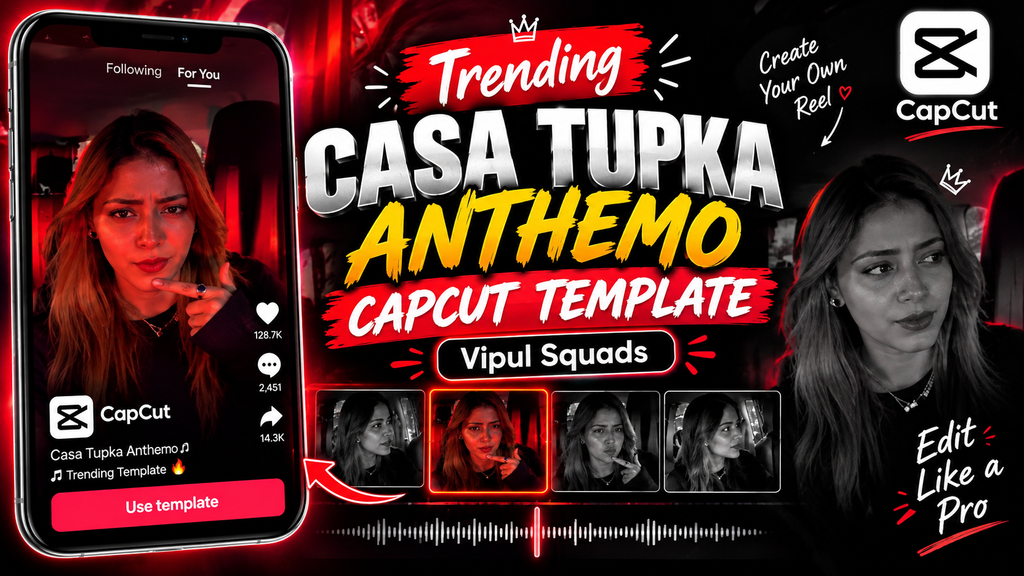
- Trending Casa Tupka Anthemo CapCut Template
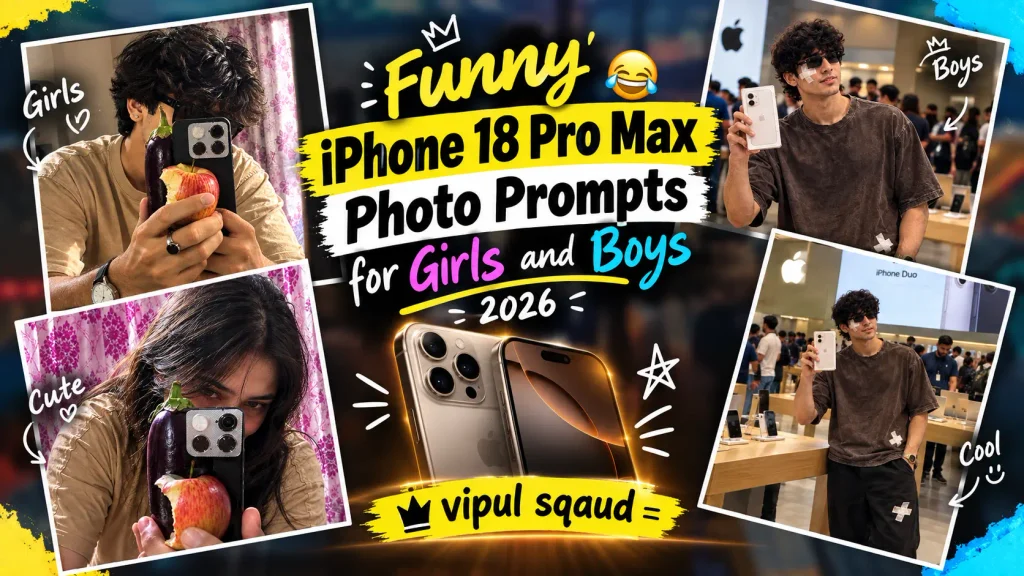
- Funny iPhone 18 Pro Max Photo Prompts for Girls and Boys 2026
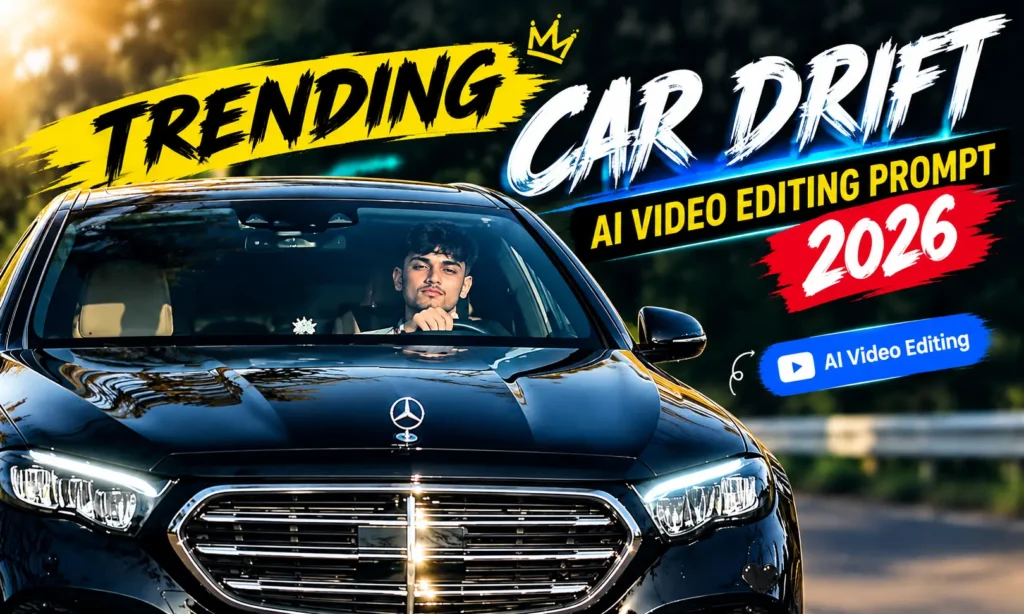
- Trending Car Drift AI Video Editing Prompt 2026
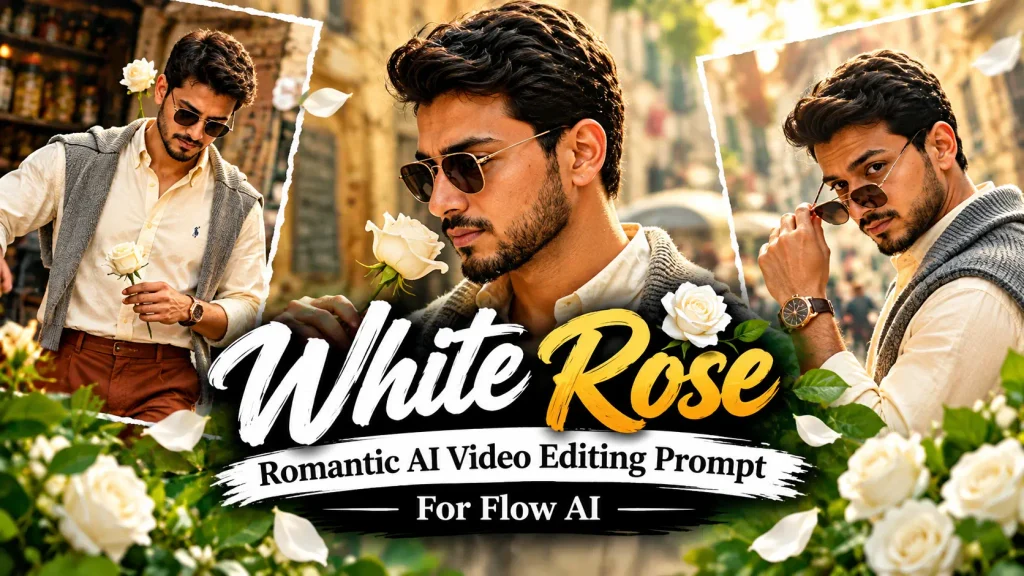
- White Rose AI Video Prompt 2026 – Viral Flow AI Edit
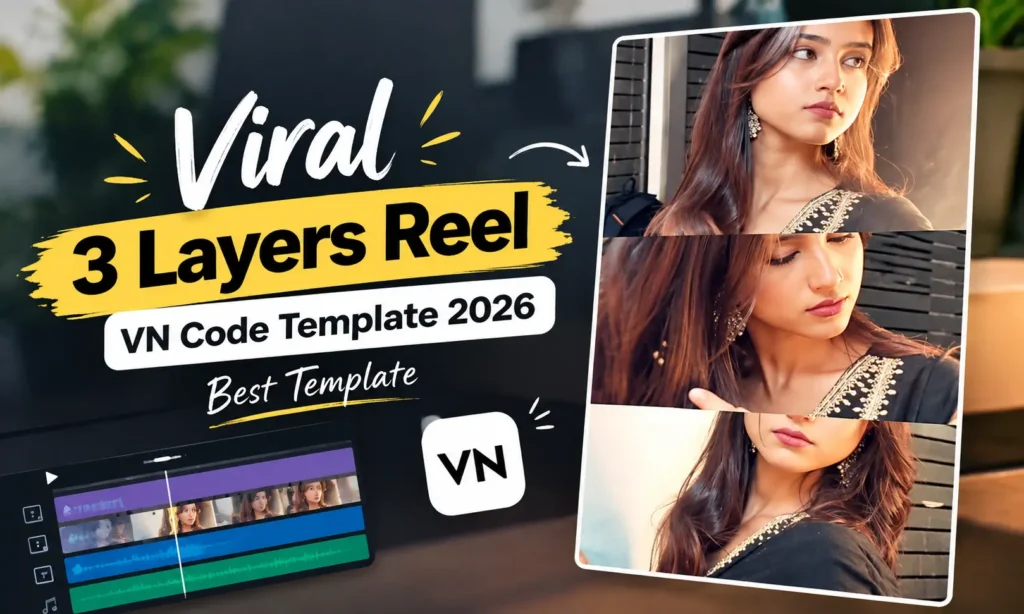
- Viral 3 Layers Reel VN Code Template 2026 | Best Template
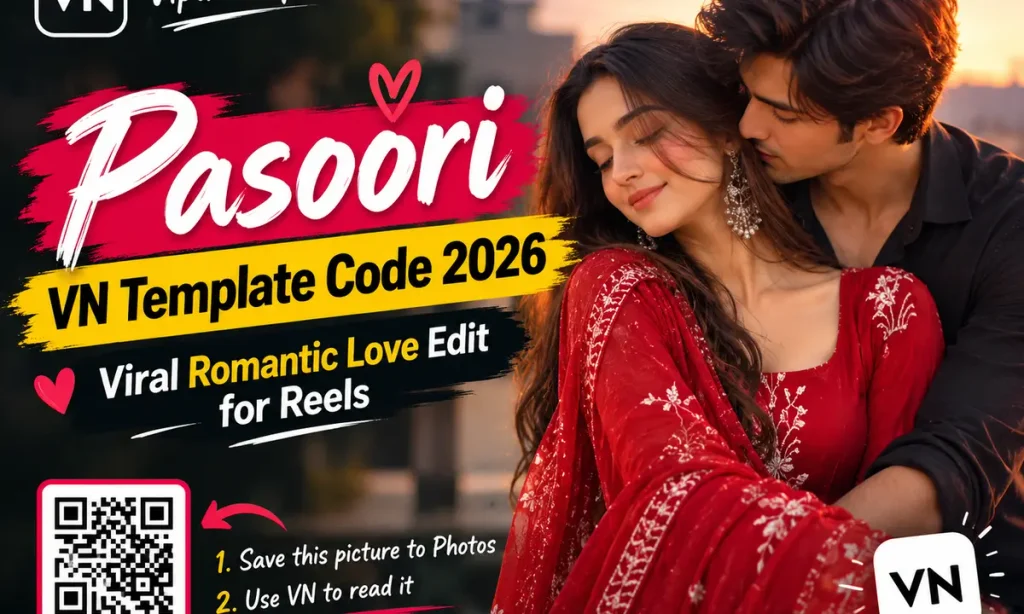
- pasoori VN Code 2026 Trending Romantic Reel Edit
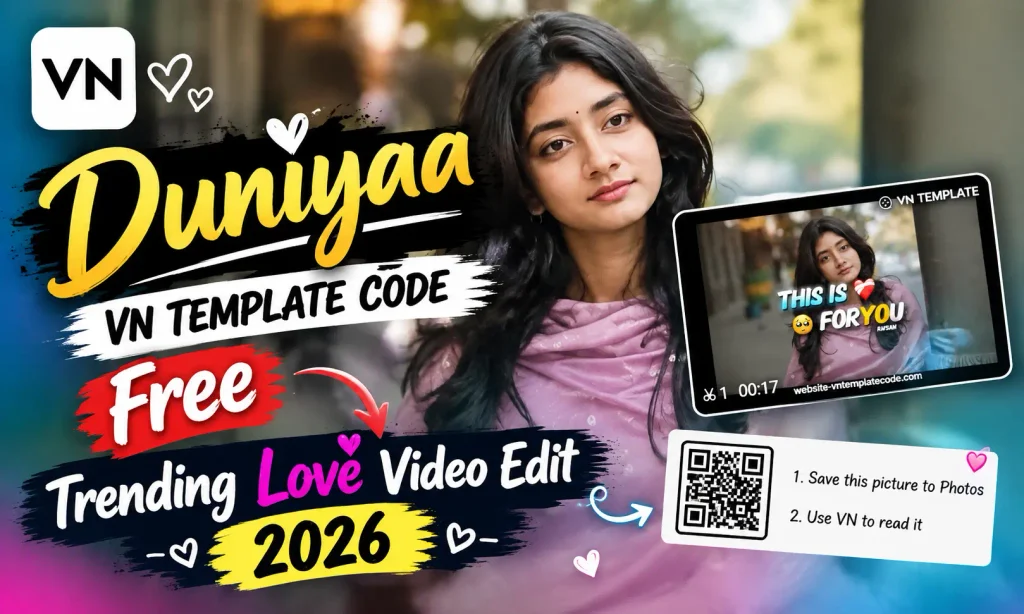
- Duniyaa VN Template Code Free Trending Love Video Edit 2026
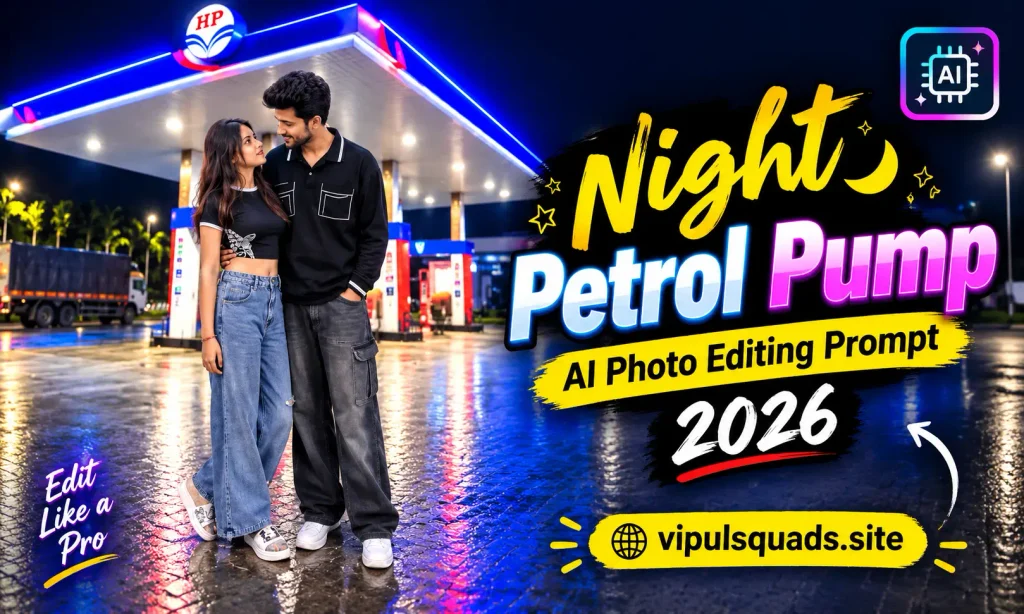
- Viral Night Petrol Pump AI Photo Editing Prompt 2026
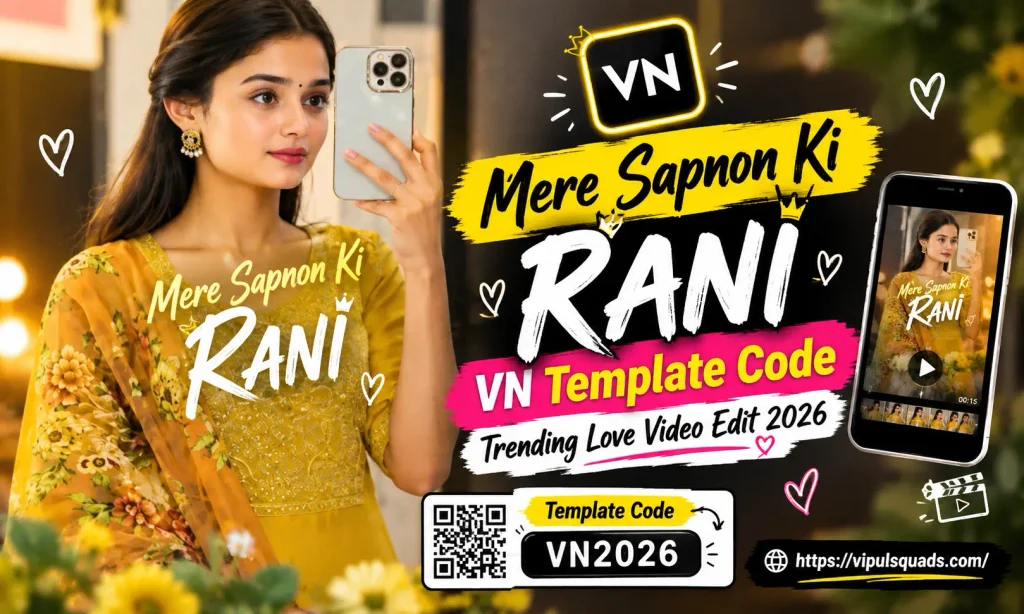
- Mere Sapnon Ki Rani VN Template Code Video Edit 2026
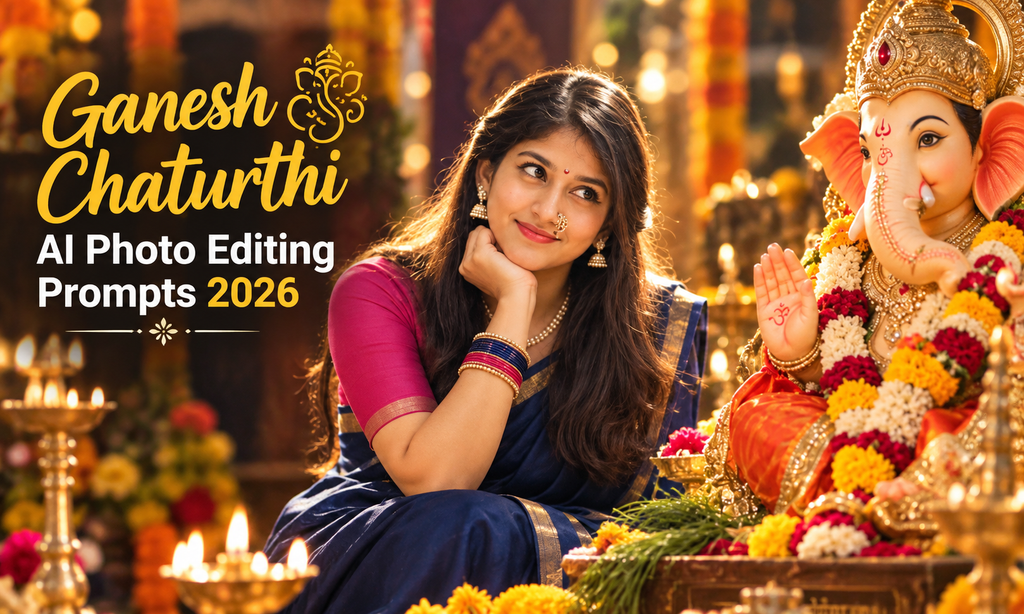
- Ganesh Chaturthi AI Photo Editing Prompts 2026
- Ekdin Tomay Ghire VN Code Trending Reel Editing
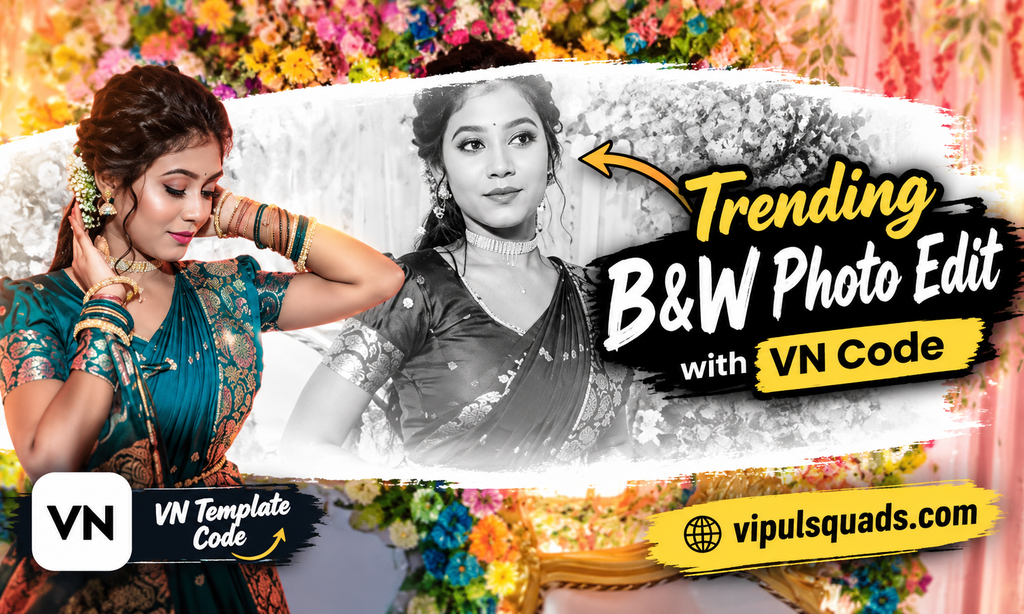
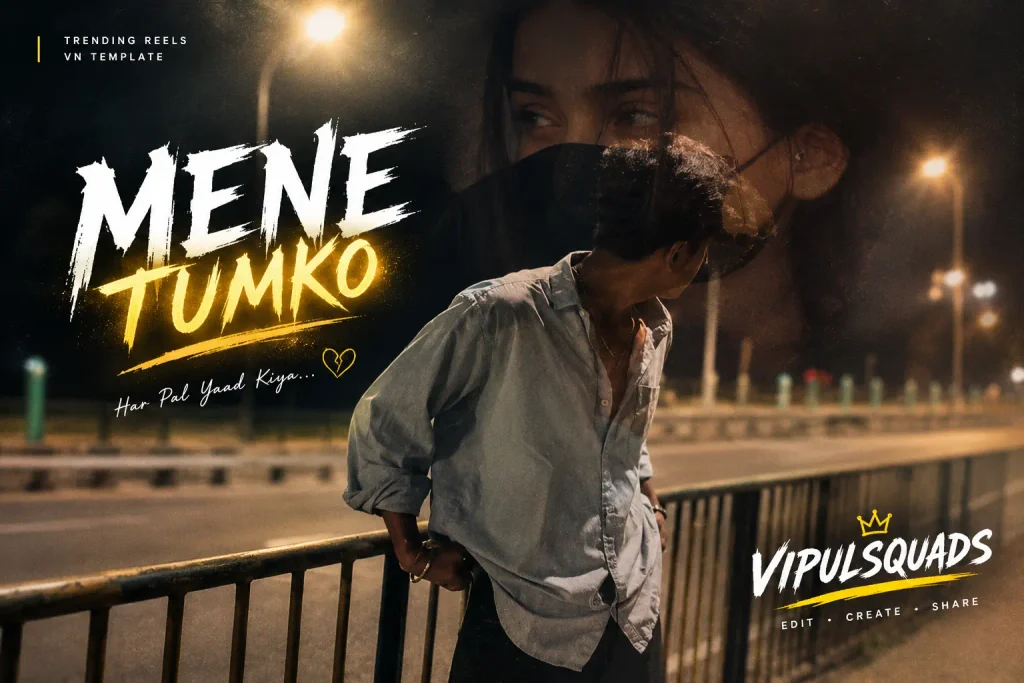
- Viral Heartbreak Reels Editing VN Code Template 2026
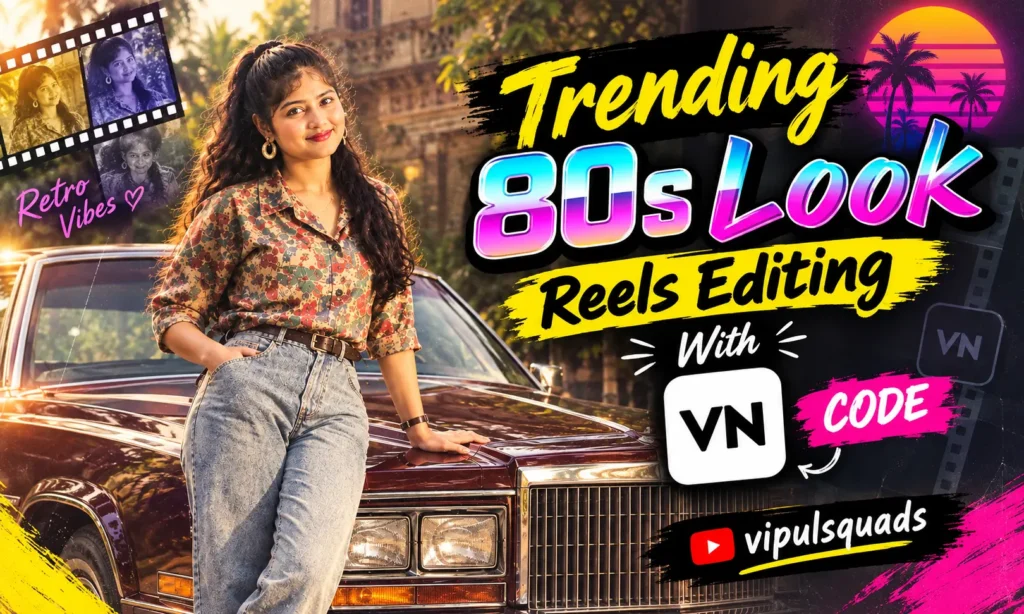
- 80s Vintage Look Reels Editing | VN Code Template
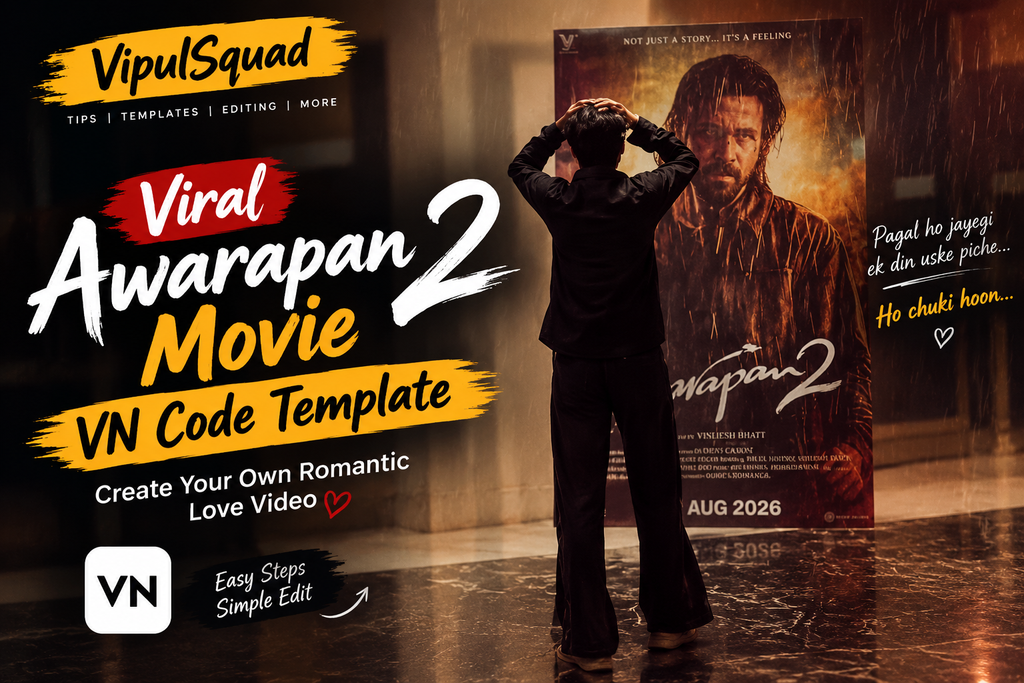
- Viral Awarapan 2 Movie VN Code Template
What is Vipul Squad?
Vipul Squad is a platform made for Indian content creators, reel editors, and Instagram users who want to make their videos and photos look trendy without spending hours on editing.
Whenever you a new reel trend goes viral on Instagram, YouTube Shorts, or Facebook Reels, our team quickly publishes a ready made CapCut template, VN code, or AI prompt for that trend.
Vipal Squad idea is simple. Copy the template or prompt, add your own content, and post it. There is no complicated editing, no paid plan, and no waiting. Just one click and your content is ready to shine.
Our Story
Vipul Squad started with a simple goal. We wanted to help creators find trending templates and prompts in one place, without wasting time searching across many websites and apps. What began as a small effort to share a few VN codes has now grown into a complete hub for CapCut templates, VN codes, and AI prompts, built for the Indian audience.
Why Choose Vipul Squad AI?
Everything you need to post a trend before it fades
Always Free
Every CapCut template, VN code, and AI prompt on this website is completely free to use.
Daily Trending Updates
Whatever trend is going viral on Instagram or YouTube, we publish that same content in the same week.
Checked Before Upload
Every template and prompt is tested by our team first, so you do not waste your time on broken links.
Made for Indian Creators
We focus on Bollywood song edits, Indian festivals, saree looks, and other content that Indian users actually search for.
No Editing Skill Needed
Whether you are a beginner or a pro editor, you can just open the content and add your own clips.
Works Well on Mobile
All our templates and prompts work smoothly with CapCut, VN, Gemini, and ChatGPT mobile apps.
Categories Available on Vipul Squad
CapCut Template
Get trending transitions, cinematic zoom effects, sad and emotional song edits, couple edits, and festival special CapCut templates. Every template is easy to apply in just a few taps.
VN Template Code
Ready to use VN codes with smooth transitions, cinematic color grading, and trending audio. These include movie inspired reels and popular love story edits.
AI Video Editing
Trending AI video prompts for couple reels, cinematic transitions, and emotional storytelling. These are the prompts currently going viral on Instagram.
AI Photo Prompts
Realistic AI photo prompts for birthdays, festivals like Independence Day, Krishna Janmashtami, Diwali, and Holi, and other special occasions. These prompts work well with both tools.
How to Use Vipul Squad Photo Prompts & Templates
1
Choose your category
Open the Vipul Squad website and choose your favorite category, such as CapCut, VN, AI Video, or AI Photo.
2
Watch the preview
Open a post and watch the preview to see how the final result will look.
3
Tap Use Template or Copy Prompt
Tap the Use Template or Copy Prompt button.
4
Head to the app
You can open the CapCut or VN app directly. Or, you can copy the prompt and paste it into ChatGPT.
5
Add your content
Add your own photo or video clips.
6
Fine tune it
Check the preview and adjust the text or timing if needed.
7
Export and post
Export or generate the result and post it on your Reels, Shorts, or Status.
Best Cases of Vipul Squad 2026
Everything you need to post a trend before it fades
Reel Creators and Influencers
If you post daily, you need a fresh trending look without spending hours on editing. Use a ready template and create new content every single day.
Wedding and Event Videographers
When you need a quick cinematic highlight reel for a client, our ready made transitions save your time and still give a professional finish.
Students and Beginners
Using ready templates is a great way to learn how professional edits are structured. Over time, you can start customizing them yourself.
Small Businesses and Local Brands
Create festival offers and promotional content quickly using trending templates, without hiring a designer.
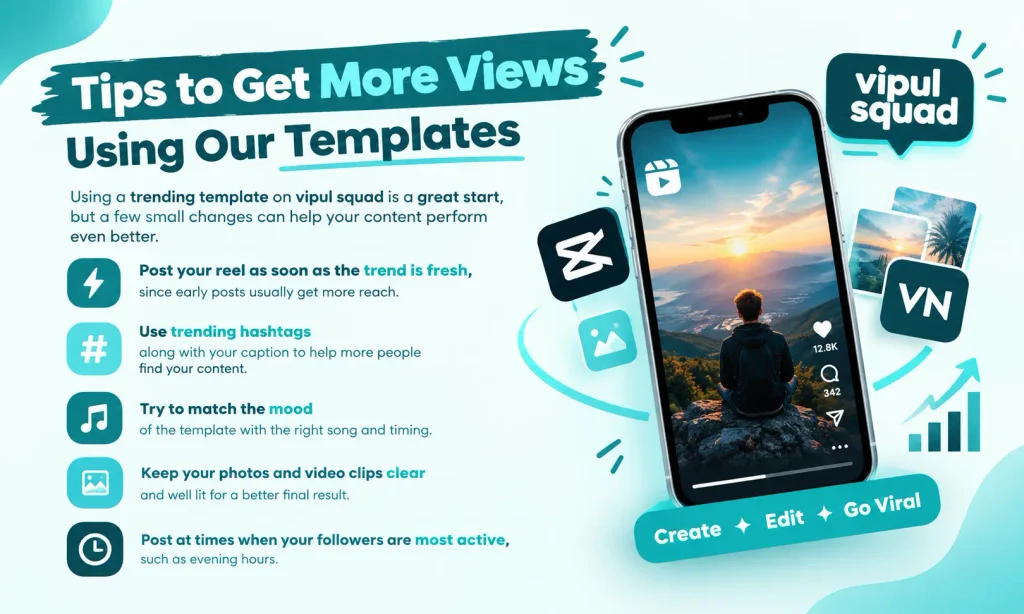
Tips to Get More Views Using Our Templates
Using a trending template on bipul squad is a great start, but a few small changes can help your content perform even better.
Conclusion
Vipul Squad makes it easy for every Indian creator to post trending content without spending hours on editing. Whether you need a CapCut template, a VN code, or an AI prompt, everything is free, tested, and updated daily.
You do not need any editing skill or design experience. Just pick a template or prompt, add your own photo or video, and share it with the world. Start exploring Vipul Squad today and turn your next post into a trending reel.