White Rose AI Video Prompt 2026 – Viral Flow AI Edit
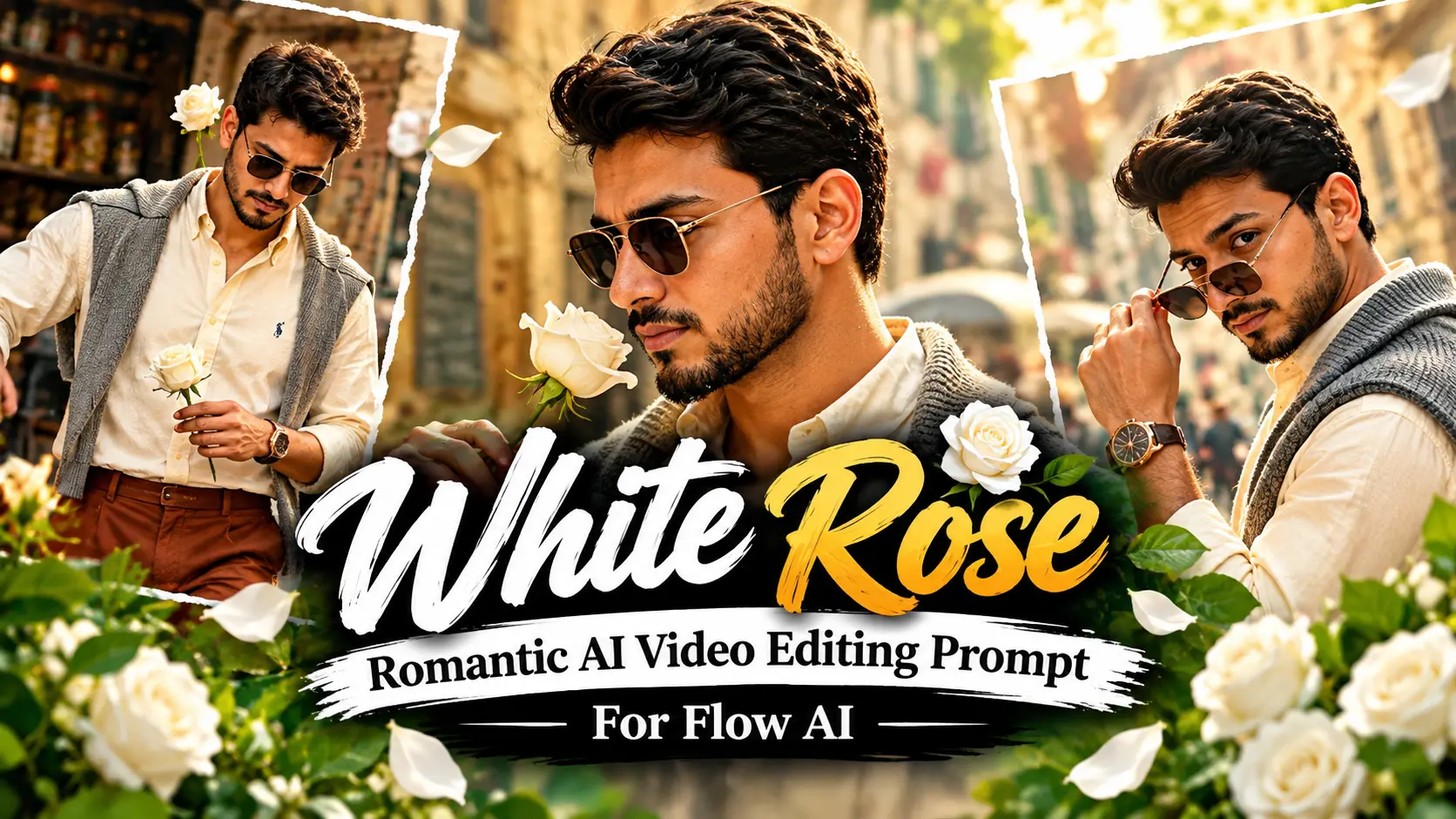
White Rose ai video editing is changing the way creators turn simple photos into creative videos. A well-written prompt can help you build a full cinematic sequence with matching clothes, realistic movements, natural lighting, and a consistent character. Also see: Vn Code Template
This White Rose Romantic AI Video Editing Prompt for Flow AI creates a part of fashion video. The concept follows a man moving through a beautiful old café street while a white rose becomes part of the story.
AI Prompt
Use the uploaded reference image to create the main character. His face, hairstyle, skin tone, height, body shape, or natural proportions should stay the same in every scene.
Do not replace his identity or create a different-looking person. the more amazing This dont miss it to see most trending ai photo prompt from vipul squad Keep his skin realistic and avoid heavy smoothing, fake texture, or an overly perfect AI appearance.
The character should keep the same natural body structure shown in the reference image. Do not make him taller, more muscular, or heavier than the original photo.
This is full video prompt from Flow Ai
Use the uploaded reference photo for the man’s face, hairstyle, skin tone, body build and height. Keep identity exactly same as reference photo — no alteration to face, body, or hairstyle in any scene. Keep his skin natural, clean, and clear exactly as shown in the reference photo — no artificial smoothing, no plastic look, no added blemishes. Keep the person’s body proportions natural and realistic, matching the exact build shown in the reference photo — do not add extra muscle, height, or bulk. This must work accurately for any person of any age or body type who uploads their own reference photo — the generated face, skin, and body must always match the uploaded photo exactly, never a generic or different look. Outfit (same throughout, do not change): a cream/ivory button-down shirt with a small embroidered polo logo, a grey knit cardigan draped over the shoulders, rust-brown wide-leg trousers, black pointed leather boots, a rose-gold wristwatch, and stylish sunglasses. Location (same throughout all 7 scenes, do not change): a charming old-world street café with rustic weathered stone walls, elderly patrons seated at nearby tables, hexagonal-tiled outdoor pavement, a lively street atmosphere, and — for one indoor scene — a rustic tea-stall with an open flame and metal kettle. Color grade: rich, full, natural warm cinematic color grading built directly into the scene — realistic natural colors, warm daylight and firelight tones, cinematic contrast, never faded, never black and white, never desaturated. Create 7 cinematic scenes, same outfit and same locations throughout: Scene 1: Close-up shot — his feet and legs in black pointed boots and rust-brown trousers walking 7 to 8 natural steps along the hexagonal-tiled pavement, passing near a rustic wooden bench, natural daylight. Scene 2: Close-up torso shot — he holds a single white rose delicately in one hand at chest height, no sunglasses yet, an elderly patron seated at a table softly blurred behind him inside the rustic café. Scene 3: Close-up over-the-shoulder shot — he removes his sunglasses with one hand, glancing back toward the camera, bright sunlit background, the rose-gold watch visible on his wrist. Scene 4: Close-up shot — sunglasses now on, he gently holds the white rose up to his face and smells it, weathered stone café wall and blurred patrons behind him. Scene 5: Close-up shot — he tilts his head back with sunglasses reflecting the light, calm relaxed confident pose, same weathered stone wall and café atmosphere behind him. Scene 6: Medium shot — indoors, he pours tea from a traditional metal kettle over an open flame into a small cup and saucer, sunglasses on, the white rose tucked behind his ear, warm firelight glowing on his face, rustic tea-stall setting. Scene 7: Final medium shot — back outdoors on the bright sunlit street, he walks forward holding the white rose near his chest, head lowered thoughtfully then lifting to look at the camera, café tables and passersby softly blurred behind him, cinematic slow zoom-out to finish. Format: 16:9 widescreen, 4K/8K ultra-realistic quality, continuous fashion-editorial story flow from Scene 1 to Scene 7, no scene skipped, smooth cinematic transitions between poses. Watermark: small semi-transparent text “promptseen” fixed in the same bottom corner throughout, minimal white or light-colored font, low opacity, non-intrusive, appearing only once at any given time.
Outfit
Use one consistent outfit across all seven scenes:
Location
Keep the main setting as an old-fashioned café street with aged stone walls, outdoor tables, older customers, tiled pavement, and normal street activity.
For the indoor part, use a small traditional tea stall with a metal kettle, cup, saucer, and visible open flame.
Color and Style
Give the entire video a warm cinematic appearance with natural colors.
Use soft daylight outdoors and warmer firelight inside the tea stall. Keep the skin tones realistic and the details sharp.
Avoid washed-out colors, strong desaturation, black-and-white effects, or an artificial-looking finish.
Scene 1 no Walking on the Café Street
Begin with a close shot of the man’s lower body.
Show him taking around seven or eight normal steps across the tiled pavement. His black boots and rust-brown trousers should remain clearly visible.
A simple wooden bench can appear beside the walking path.
Use daylight and smooth camera movement. The walk should feel casual and natural instead of looking like an exaggerated runway performance.
Scene 2 no Holding the White Rose
Move the camera upward for a close shot of his upper body.
He gently holds one white rose around chest level. Leave the sunglasses off in this scene so his face can be seen clearly.
An older café customer should appear softly out of focus in the background.
Keep the rose sharp and make it one of the main visual details of the shot.
Scene 3 no Taking Off the Sunglasses
Use an over-the-shoulder close-up for this part.
The man slowly removes his sunglasses with one hand and turns his eyes toward the camera.
Bright sunlight should appear behind him, creating a clean cinematic background.
Make sure his rose-gold watch can be noticed while he moves his hand. His face and identity must remain consistent with the reference image.
Scene 4 no Smelling the Rose
Bring the sunglasses back for the fourth scene.
The man carefully raises the white rose toward his face and takes a gentle smell.
Keep the old stone café wall behind him with a few customers softly blurred in the distance.
Use warm daylight, realistic shadows, and natural facial details. Avoid changing his clothing, face, or body shape.
Scene 5 no Looking Toward the Light
This scene should feel calm and stylish.
The man slightly lifts his head while wearing the sunglasses. Light should reflect softly across the lenses.
Keep his pose relaxed and confident.
The same stone wall and café surroundings should remain in the background to make the scenes feel connected.
Scene 6 no Tea Stall Scene
For scene six, move inside a small rustic tea stall.
The man pours tea from a traditional metal kettle into a small cup and saucer near an open flame.
Place the white rose behind his ear while keeping the same clothes and sunglasses.
Use warm firelight across his face and outfit. Show small details such as the kettle, flame, cup, and simple tea-stall setup.
Scene 7 no Final Walk
Return to the outdoor café street for the final scene.
The man walks toward the camera with the white rose held close to his chest.
His head starts slightly down before he slowly looks up toward the camera.
Keep tables, customers, and people in the background slightly blurred.
End with a smooth slow zoom-out that reveals more of the street while keeping the man as the main subject.
What Makes This AI Video Prompt Different?
One common problem with AI videos is character inconsistency. The face may change, clothing can shift, or the body can look different from one scene to another.
This prompt puts extra focus on keeping the same person throughout the video.
The uploaded photo acts as the identity reference. The character’s face, hair, skin tone, body structure, and height should stay consistent from beginning to end.
The repeated outfit and familiar surroundings also help create a smoother connection between each scene.
Outfit and Fashion Style
The fashion look is kept unchanged throughout the story.
The light-colored shirt gives the character a clean base, while the grey cardigan adds a relaxed layer. The wide-leg trousers and pointed leather boots give the outfit a classic editorial feel.
The rose old watch adds a small premium detail. Sunglasses become part of the look as the story progresses.
The white rose brings the romantic element into the fashion-focused concept without making the scene feel too dramatic.
Color Grading and Cinematic Look
The right color treatment can make the final video feel much more polished.
Use warm, natural tones with balanced contrast. The outdoor scenes should have soft sunlight and realistic colors.
For the tea-stall scene, use warmer light from the fire to create a slightly different atmosphere.
Keep the skin natural and preserve details in the clothing, stone walls, pavement, and other surroundings.
How to Use This AI Video Prompt
Begin with a clear reference photo. A photo where the face and body are easy to see will usually make the identity instructions easier to follow.
Do not keep changing the outfit description between clips. Repeating the same clothing details can help maintain continuity.
Try to keep the environment stable as well. The indoor tea stall can be different, but it should still match the overall vintage café theme.
Conclusion
This White Rose Romantic AI Video Editing Prompt gives creators a simple seven-scene idea for turning a personal photo into a cinematic fashion video. You can try this prompt in Flow AI or another compatible video generator and change the timing details to create your own version.