80s Vintage Look Reels Editing | VN Code Template
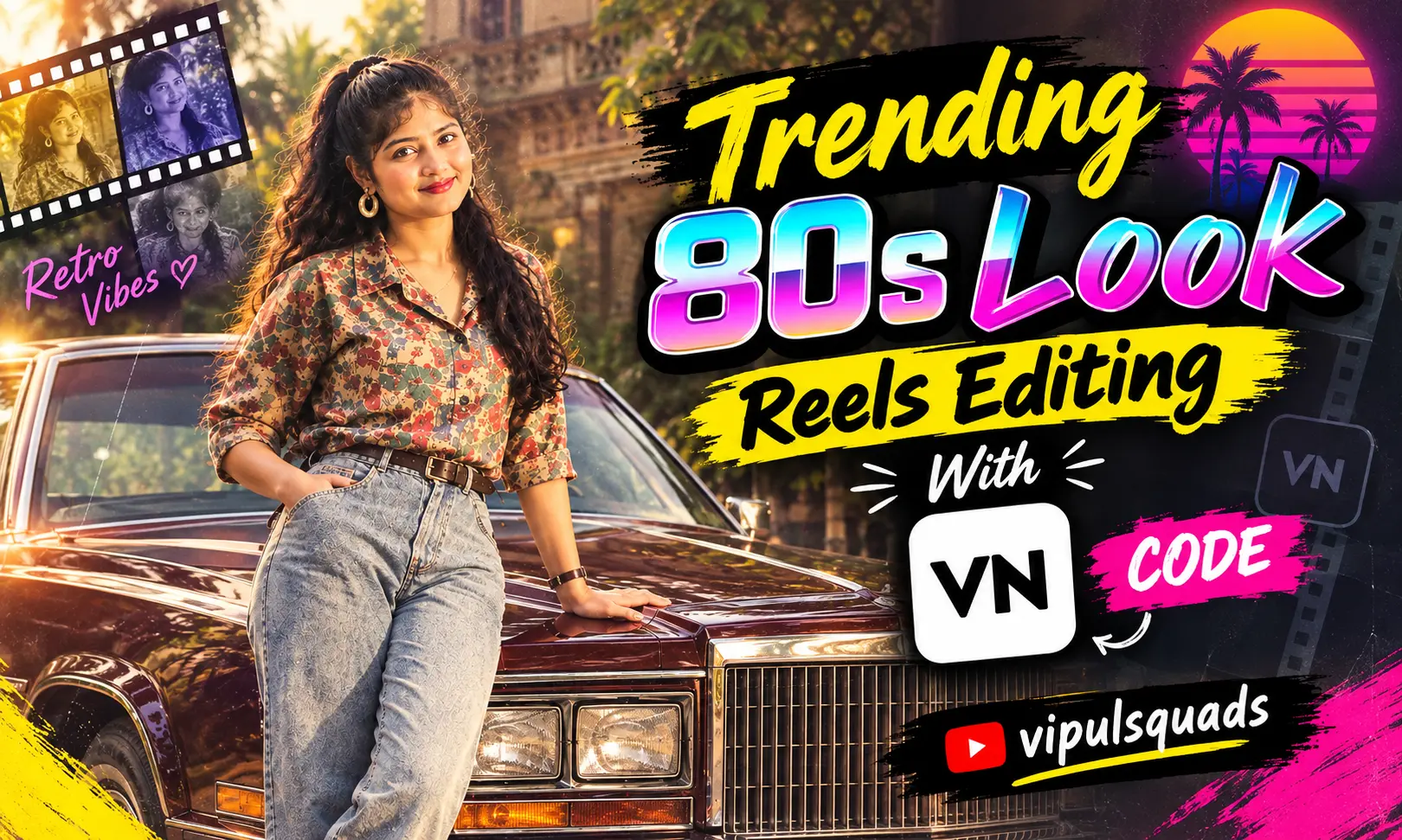
The Trending 80s Look Reels Editing With VN Code is a fun way to turn normal photos into a classic retro-style video. The 1980s look is known for bold fashion, warm colors, vintage cars, old-school hairstyles, and a strong cinematic feel.
With a ready-made VN Code Template, you do not need to build the whole edit from scratch. The template can already have transitions, effects, music timing, filters, and other editing elements. Also see: Viral Awarapan 2 Movie VN Code Template
You only need to add your photos or clips and adjust the video if needed.
If you enjoy vintage photos, old Bollywood vibes, or retro fashion, this 80s Look VN Template can give your Reel a completely different style.
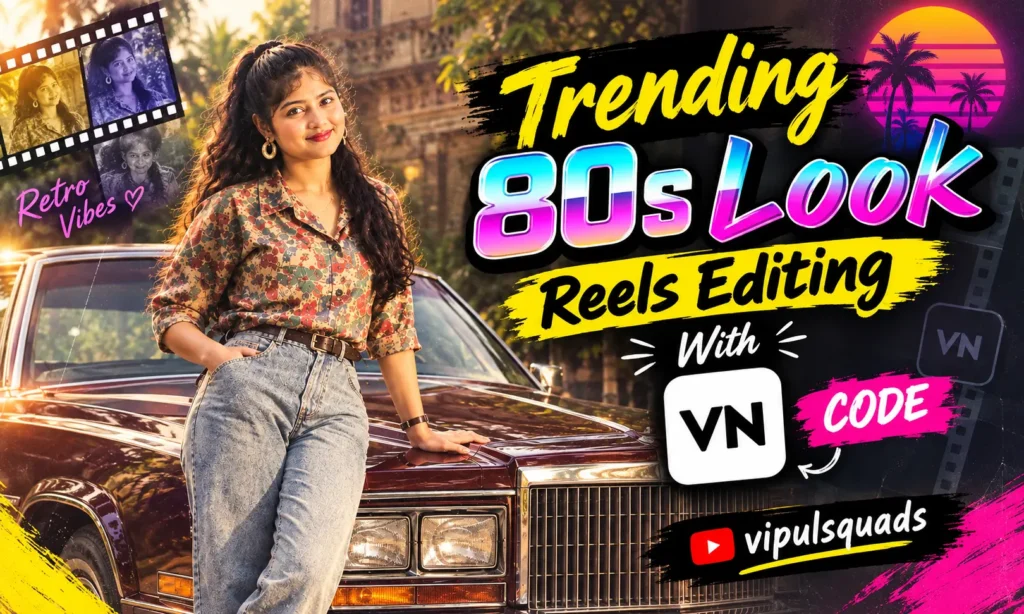
What Is 80s Look VN Code Template?
The 80s Look VN Code Template is a ready-to-use editing project for creating a retro-inspired video in VN Video Editor. It can combine music, transitions, visual effects, text, filters, and timing into one simple template.
Instead of spending a lot of time creating each effect manually, you can start with the prepared project and replace the sample photos with your own.
You can use the template with portraits, fashion pictures, old memories, travel photos, or short video clips. It is also useful for anyone who wants to make a vintage Reel without advanced editing skills.
The final result can have a classic 1980s aesthetic, especially when you use suitable photos and retro-style music.
Create 80s Look Image & Make Reel With VN Code
When using the VN template, you can create an 80s retro AI photo with Chat GPT.
Upload your photo and use the prompt below to create a vintage-inspired portrait. Once your image is ready, save it to your phone or computer.
After that, return to the VN Code shown in this post and take a clear screenshot of it. Open VN Video Editor, use its scanner feature, and scan the saved code.
Import your AI-generated 80s photo into the template and let the project arrange the effects, transitions, and timing for you. You can then preview the Reel and make small changes before exporting it.
80s Retro AI Photo Prompt
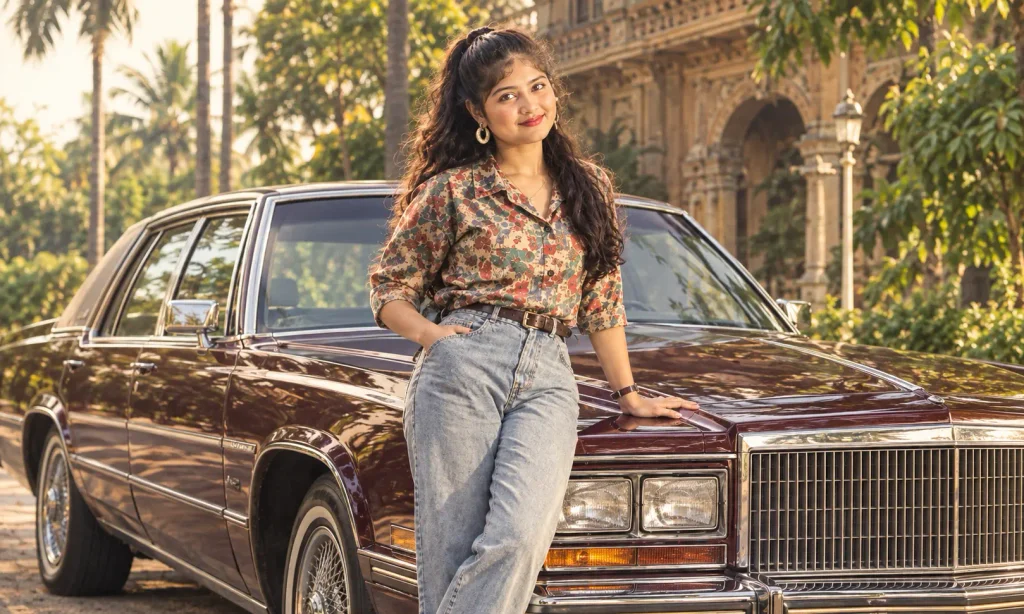
Create a highly photorealistic cinematic vintage 1980s Indian retro fashion portrait of a stylish young Indian man casually leaning against the hood of a classic luxury sedan. Give him thick, naturally wavy black hair with a slightly swept-back 1980s hairstyle, a neatly groomed beard and moustache, and dark rectangular vintage sunglasses.

He is wearing a richly patterned retro printed shirt in earthy brown, maroon, orange, and gold tones, slightly open at the chest, with a thin gold chain and small pendant. Pair the shirt with high-waisted light-wash relaxed-fit vintage jeans, a classic brown leather belt, a vintage wristwatch, and a subtle bracelet.

His pose should look confident and relaxed, with one hand naturally resting on the car hood. He looks slightly to the side with a cool and serious expression.

The car should look like a classic 1970s–80s luxury sedan with a large chrome grille, rectangular headlights, polished chrome details, and deep dark maroon or brown paint.

Set the scene outside a grand old Indian heritage mansion with ornate balconies, arches, classical architectural details, tall tropical palm trees, and natural greenery. Use warm late-afternoon sunlight with cinematic highlights and soft shadows.

Create an authentic 1980s Indian cinema atmosphere with nostalgic Bollywood fashion, warm sepia-brown tones, slightly faded colors, subtle film grain, vintage photograph texture, soft glow, natural skin texture, realistic clothing details, cinematic lighting, 35mm film photography, and atmospheric depth.

Use a shallow depth of field so the subject remains sharp while the background is softly blurred. Create a full-body vertical portrait with the subject centered, the classic car clearly visible, a slightly low camera angle, realistic anatomy, natural proportions, and cinematic framing. 9:16 aspect ratio.
Save or Take a Screenshot of the VN Code
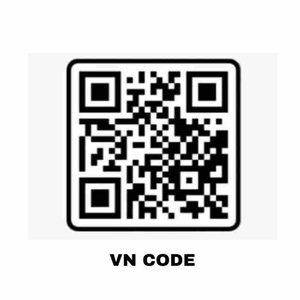
Save or Screenshot the VN Code
After finding the VN Code, save a clear screenshot on your device. Make sure the complete code is visible and not cropped.
A clear screenshot makes it easier to scan or import the template inside the VN Video Editor app.
Once the code is ready, you can move to the next step and add your 80s-style photos.
Add Retro 80s Songs to Your Video
There are some songs that can work well with an 80s retro Reel:
How to Use 80s Look VN Code
Using the Trending 80s Look VN Code is quite simple.
Choose the Right Photos for Your 80s Edit
Your photos play an important role in the final video. Try to use clear images with good lighting and a visible subject.
For a stronger 80s feeling, choose photos that have simple backgrounds and clear details. You can also create new AI-generated retro photos if you want the entire Reel to follow the same vintage theme.
Avoid using too many blurry or heavily compressed images. Good-quality photos usually look better after transitions and effects are added.
It is also helpful to prepare all your photos before opening the VN template. This makes the editing process faster and easier.
Share Your 80s Look Reels Edit
Once your video is finished, watch the complete Reel before posting it. Check whether the photos appear correctly and make sure the music and transitions match the beat.
You can share your 80s Look Reel on Instagram, Facebook, YouTube Shorts, or other social platforms.
A short caption about vintage memories, retro fashion, or old-school vibes can fit the theme nicely. You can also use relevant hashtags related to 80s fashion, retro editing, vintage photos, and VN editing.
To Sum Up
The Trending 80s Look Reels Editing With VN Code 2026 makes it easier to create a vintage-style video without building every part of the edit yourself.
You can first create an 80s retro AI photo, save it, and then use the VN Code to bring the photo into a ready-made Reel project. Add your favorite pictures, check the effects and music, and make any final adjustments before exporting.
Try different combinations and create an 80s-inspired Reel that matches your own style.