Ganesh Chaturthi AI Photo Editing Prompts 2026
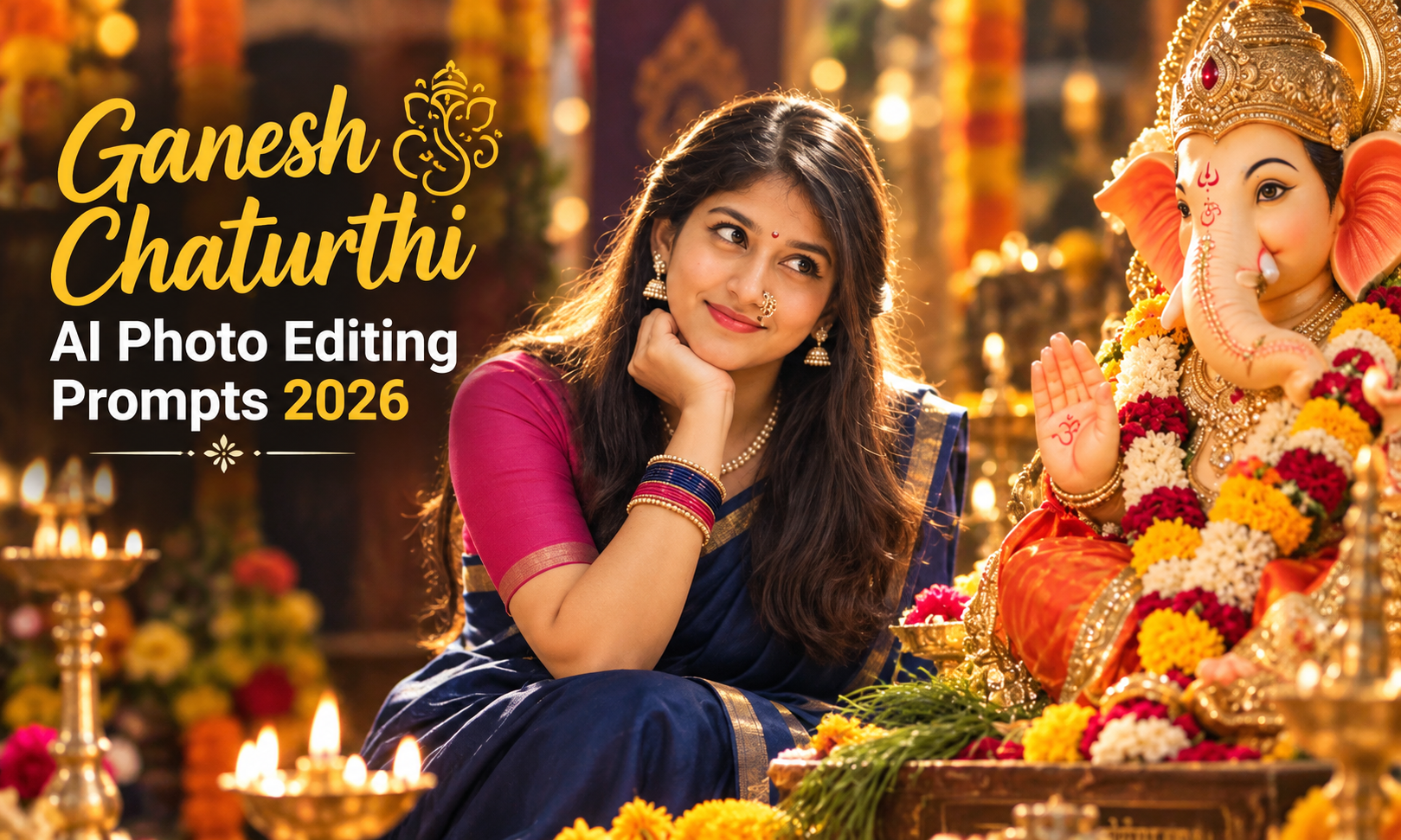
Ganesh Chaturthi is one of the most beautiful festivals celebrated with devotion, prayers, decorations, and the blessings of Lord Ganesha. In 2026, AI photo editing has made it easier to turn a normal portrait into a beautiful Ganesh Chaturthi-themed photo without spending hours on manual editing.
With the right Ganesh Chaturthi AI Photo Editing Prompts, you can add a beautifully decorated Ganesha idol, flowers, diyas, traditional clothes, festive lights, and a devotional background to your photo. You can also create different styles, such as a traditional home celebration, Ganesh pandal scene, cinematic portrait, or a simple devotional photo.
What Are Ganesh Chaturthi AI Photo Editing Prompts?
Ganesh Chaturthi AI Photo Editing Prompts are instructions that tell an AI tool how to turn your photo into a festive image. You can describe the Ganesha idol, traditional outfit, decorations, lighting, background, and pose.
You can also ask the AI to keep your original face and natural appearance. Different prompts can create traditional, devotional, or cinematic Ganesh Chaturthi photos.
Why Are Ganesh Chaturthi AI Photos Trending in 2026?
Ganesh Chaturthi AI photos are trending because people can turn their regular pictures into festive edits with Ganesha idols, flowers, diyas, traditional outfits, and colourful backgrounds.
They are popular for:
Also check: 80s Vintage Look Reels Editing & 12 Pendiya Ne Mag Cha CapCut Template.
Best Ganesh Chaturthi AI Photo Editing Prompts
Below are some different Ganesh Chaturthi AI Photo Editing Prompts 2026 that you can try with your own reference photo. Choose a prompt based on the style you want.
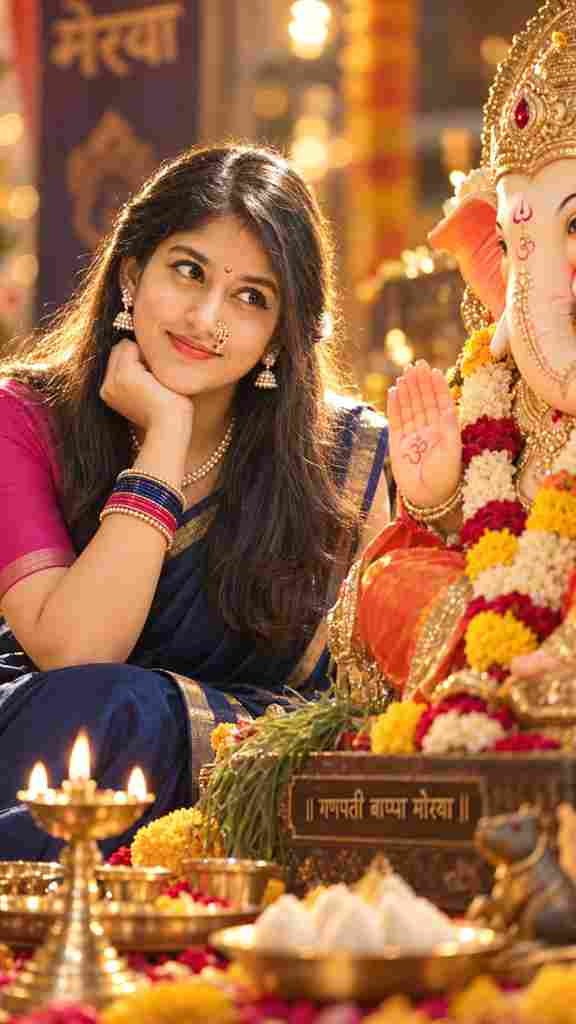
Create an ultra-realistic cinematic devotional portrait using the uploaded woman’s face as the primary facial reference. Preserve her exact facial features, skin tone, eye shape, nose, lips, smile, hairline, and overall identity. She is sitting beside a majestic Lord Ganesha idol during Ganesh Utsav, gazing lovingly toward Bappa with a peaceful smile, resting her chin gently on her hand. She wears a plain deep navy-blue silk saree with a subtle thin gold border and a plain dark pink blouse with minimal border detailing. Traditional Maharashtrian pearl nath with red stones, pearl necklace, pearl earrings, colorful bangles, and a small pink crescent bindi. Hair is straight, silky, half-tied at the back with the rest flowing naturally. Nude matte lipstick, soft natural makeup, glowing skin. Strong golden backlighting creates a brilliant rim light around her hair, while a soft front flash illuminates the face. Deep blurred background with creamy bokeh, smooth tonal gradations, rich contrast, hyper-clear details, pristine digital clarity, DSLR photography, 85mm lens, f/1.8, HDR, ultra-detailed, photorealistic, 8K, vertical 9:16 composition.
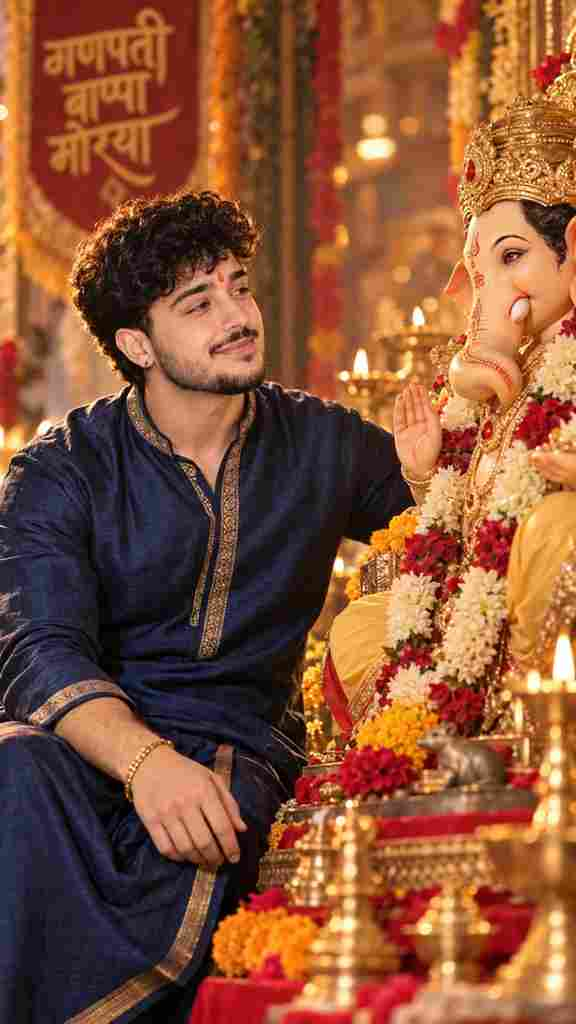
Create an ultra-realistic cinematic devotional portrait using the uploaded man’s face as the primary facial reference. Preserve his exact facial features, skin tone, eye shape, nose, lips, smile, hairstyle, facial hair, and overall identity. Do not alter or feminize his appearance. He is sitting beside a majestic Lord Ganesha idol during Ganesh Utsav, gazing lovingly toward Bappa with a peaceful, genuine smile. His posture is relaxed and natural, with one hand gently resting near his knee and the other respectfully placed toward the Ganesha idol. He wears a plain deep navy-blue traditional silk kurta with a subtle golden border, paired with a matching or slightly darker traditional bottom. Minimal, elegant styling with a sophisticated festive look. Add a traditional Maharashtrian-style red/orange tilak, a simple gold bracelet/watch and subtle traditional accessories. Keep the overall styling masculine, classy and minimal. Hair should look natural, neatly styled, and realistic. If he has a beard or moustache in the reference image, preserve it exactly. Natural skin texture, subtle grooming, soft healthy glow, realistic facial details. Warm golden backlighting creates a beautiful rim light around his hair and shoulders, while a soft diffused front light naturally illuminates his face. The Ganesha idol should look majestic, detailed and beautifully decorated with traditional flowers and subtle festive elements. Deep, softly blurred background with creamy bokeh, warm golden and subtle red tones, smooth tonal gradients, rich cinematic contrast, realistic shadows, and a peaceful devotional atmosphere. Pristine DSLR photography, 85mm portrait lens, f/1.8, shallow depth of field, HDR, ultra-detailed skin texture, photorealistic, cinematic lighting, natural colors, 8K quality, highly realistic, premium devotional photography, vertical 9:16 composition. Important: Keep the man’s identity exactly consistent with the uploaded reference image. No facial restructuring, no beautification that changes his features, no excessive makeup, no artificial-looking skin, no distorted hands or facial features.
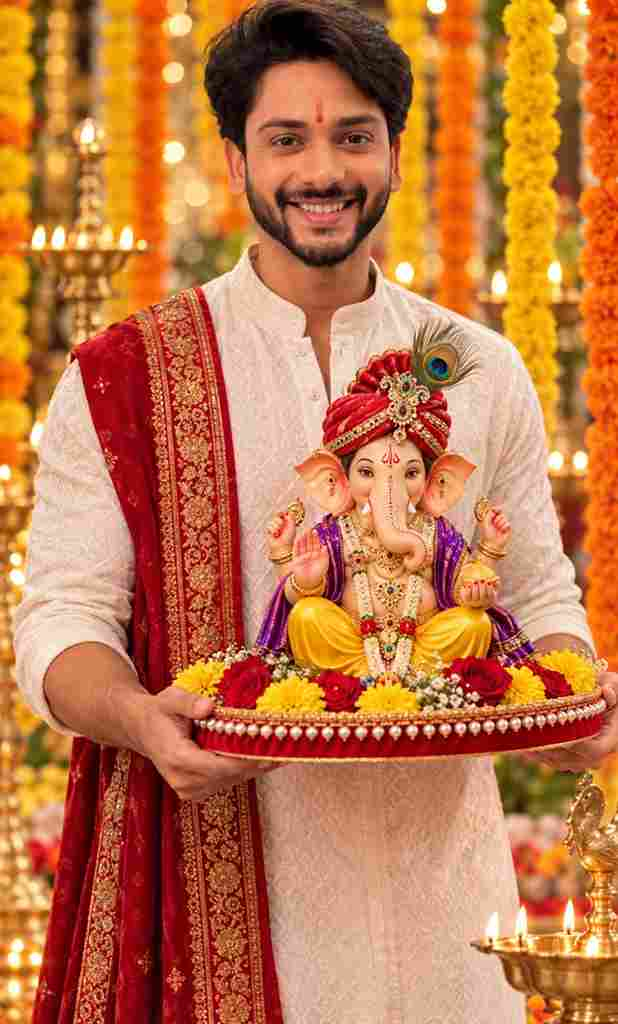
A high-quality, festive portrait of a handsome young Indian man with stylish dark wavy hair, a neat beard, and a red tilak on his forehead, smiling warmly directly at the camera. He is dressed in traditional attire, wearing a textured white kurta with a rich red dupatta featuring intricate gold borders draped over his left shoulder. He is carefully holding a decorative circular red tray edged with pearls and adorned with fresh yellow and red flowers. Resting on the tray is a highly detailed, colorful idol of Lord Ganesha, wearing a jeweled red turban with a peacock feather, a yellow dhoti, and a purple shawl, adorned with gold ornaments. The background features a shallow depth of field with beautiful bokeh, displaying a warm, celebratory atmosphere filled with vertical hanging strings of orange and yellow marigold flowers and warmly glowing traditional brass oil lamps. Vibrant colors, photorealistic, cinematic lighting, 8k resolution.
How to Create a Ganesh Chaturthi AI Photo
Creating one is simple. Just follow these steps:
Tips for Better Ganesh Chaturthi AI Photos
Common Problems
Final Words
Ganesh Chaturthi AI Photo Editing Prompts 2026 make it easy to turn a normal portrait into a creative festival-themed image. With a clear reference photo and a detailed prompt, you can create beautiful scenes with Lord Ganesha, flowers, diyas, traditional clothing, festive decorations, and cinematic lighting.
You can try different prompts to create a traditional home celebration, a decorated pandal scene, a devotional portrait, or a cinematic Ganesh Chaturthi photo. Start with your best reference image, choose a style that matches your idea, and carefully check the generated result.