Trending Car Drift AI Video Editing Prompt 2026
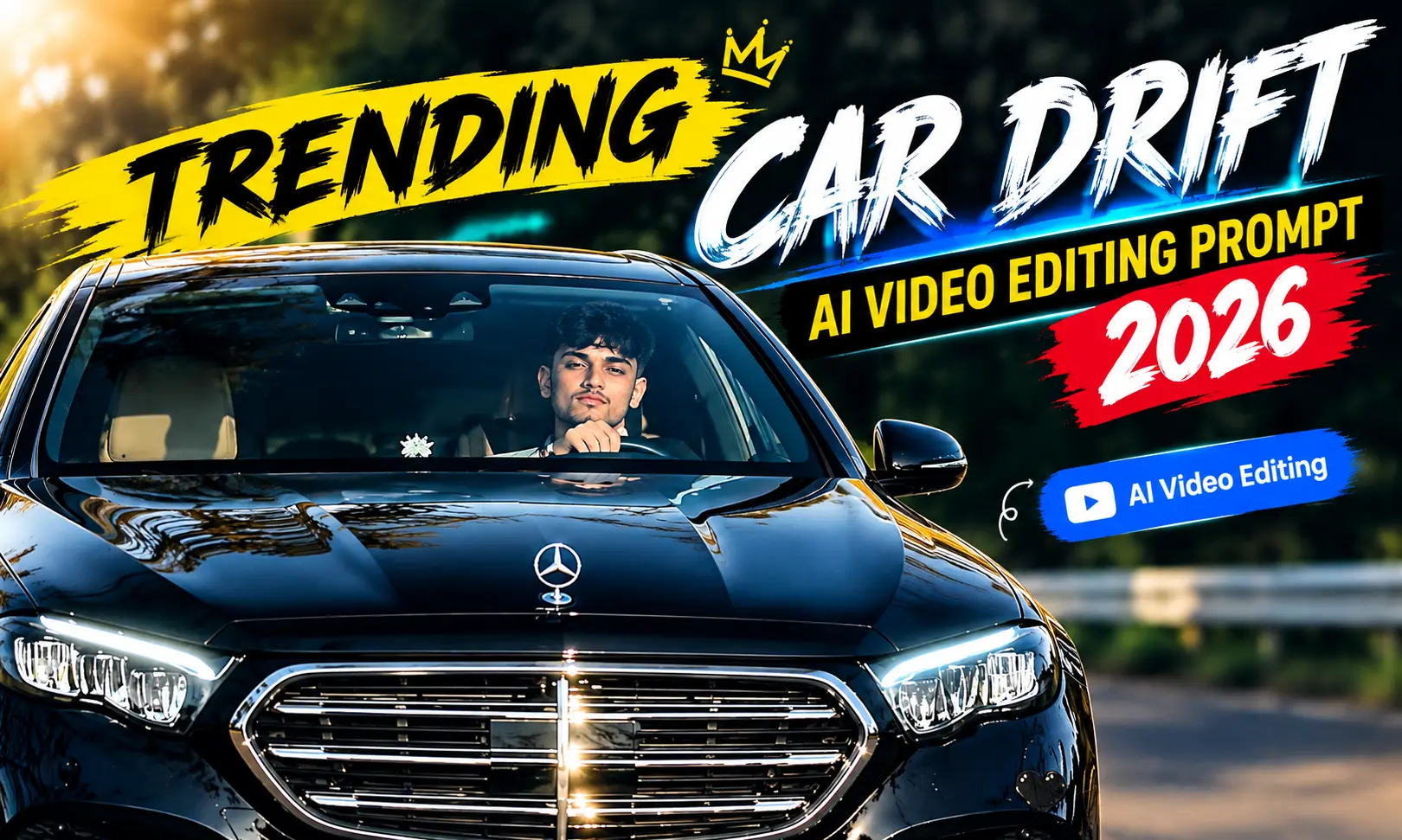
This AI video editing is changing the way creators make car content. You no longer need a full camera setup or advanced editing skills to create an action-style car clip. With Flow AI and the right Car Drift AI Video Editing Prompt, In our vipul squads. you can turn a simple reference into a fast-moving cinematic scene with drifting, road motion, smoke, and dramatic camera shots.
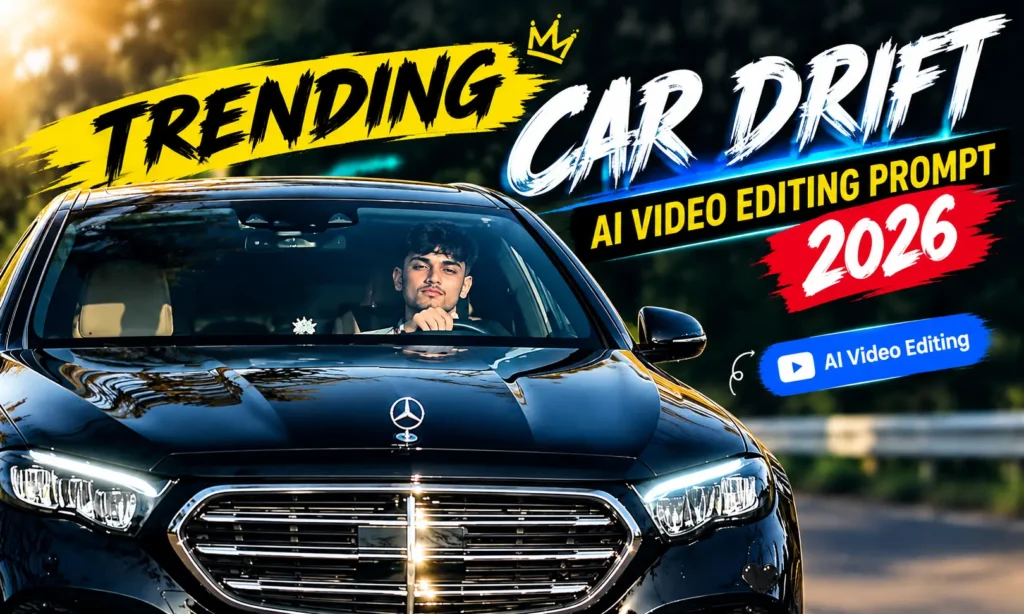
What Is Car Drift AI Video Editing?
Car Drift AI Video Editing is a method of creating a moving drift scene from a reference image or video with the help of AI. Instead of manually animating the car, you describe the action and let the AI generate the movement.
The prompt can control important parts of the scene, such as the direction of the drift, road speed, tire smoke reflections, and background movement. A detailed description can make the final video feel more like a real automotive shoot.
Trending Car Drift AI Video Prompt
Save this video for reference just you can generate from flow ai⬇️
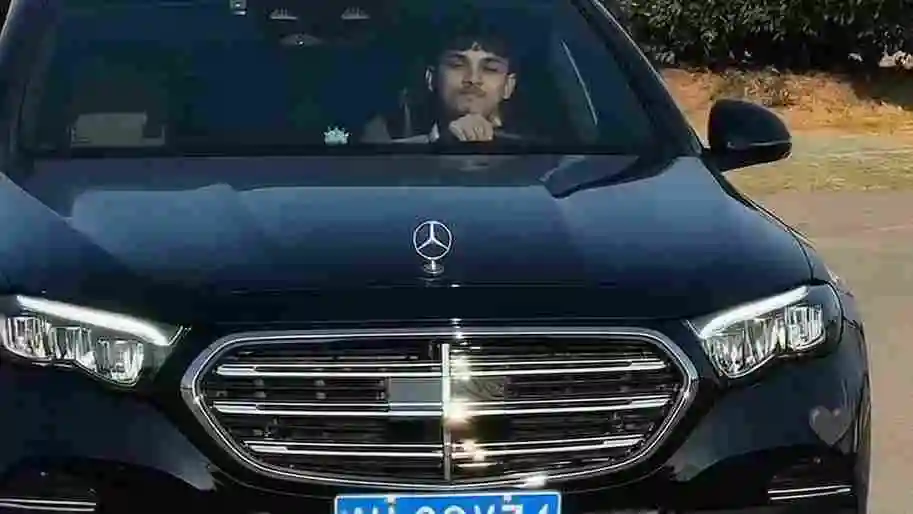
Turn the uploaded car reference into a realistic high-speed drifting scene. Preserve the exact vehicle identity, including its original body design, paint color, wheels, headlights, windows, and proportions. Make the car accelerate into a smooth controlled drift while the rear tires create natural white smoke. Add realistic wheel rotation, road contact, subtle suspension movement, and believable body motion. Use a low-angle tracking camera that follows the vehicle through the turn, with natural motion blur and slight camera shake. Keep the environment detailed and realistic with accurate shadows, reflections, road texture, and changing background perspective. Create a dramatic automotive atmosphere while keeping the car consistent from beginning to end

Create a realistic cinematic drift video from the uploaded car reference. Keep the exact same car model, body shape, paint color, wheels, headlights, windows, and proportions throughout the entire scene. The car enters a wide corner at high speed and smoothly transitions into a controlled drift. Show realistic tire rotation, road contact, subtle suspension movement, and natural tire smoke coming from the rear wheels. Use a low-angle tracking camera that follows the car as it moves through the turn, with realistic motion blur and changing perspective. Add natural reflections on the car body and windows, detailed road texture, believable shadows, and realistic background movement. Keep the vehicle stable and physically believable with no floating, sliding, warped wheels, or sudden changes in the car design. Make the final result look like professional real-world automotive footage with cinematic lighting and photorealistic detail.
Generate your video on Flow AI: Flow AI
How to Create Car Drift AI Video Using Flow AI
You create this style of video in a few steps:
- Visit Flow AI and log into your account.
- Open a new video generation project.
- Select the suitable image-to-video or reference option.
- Add your car image or reference footage.
- Prepare the prompt from this article.
- Paste the prompt into the AI video prompt field.
- Choose the video size and duration you need.
- Start the generation process.
- Watch the preview and check the vehicle movement.
- Generate another version if the drift does not look natural.
- Pick the clip with the cleanest motion and most consistent car details.
- Add your preferred music or sound effects.
- Export the completed video for social media.
Upload Reference Video and Your Photo
A reference video can be useful when you want a specific type of movement. Choose footage that clearly shows the drift, camera direction, speed, and overall action you want the AI to follow.
If you also want to include yourself in the scene, upload a clear personal photo as the appearance reference. Try to use an image where your face and clothing are easy to see. Avoid blurry or heavily edited photos because they may make it harder for the AI to maintain consistent details.
How the Reference Video and Photo Work
The two references can provide different information to the AI. Your reference video can demonstrate the action, timing, camera movement, and driving style.
The photo reference can provide the appearance of the person you want included in the generated scene. Your prompt should explain the role of each reference instead of mixing the instructions together. Also see: White Rose AI Video Prompt is most trending.
For example, you can tell the AI to follow the vehicle movement and camera action from the video while using the uploaded photo only for the person’s appearance. Clear instructions can help produce a more controlled result.
Better Tips For Car Drift AI Results
Use a high-quality reference where the entire vehicle is easy to identify. Images with good lighting and a clear background can make the generation process easier.
Don’t add too many complicated actions to one prompt. Start with one smooth drift and focus on realistic vehicle movement. You can create another version later with a different camera angle or environment.
Pay attention to common AI mistakes such as changing wheel designs, bending body panels, incorrect tire movement, unnatural smoke, or inconsistent headlights. If you notice these issues, strengthen your instructions about preserving the original car.
You can also try sunset roads, city streets, mountain highways, wet roads, tunnels, or night scenes for different visual styles.
Conclusion
The Trending Car Drift AI Video Editing Prompt 2026 can help you transform an ordinary car reference into an energetic AI-generated driving scene. Flow AI can add movement, camera action, tire smoke, road motion, and cinematic details based on your instructions.
For the best results, start with a clean reference, keep your prompt specific, and test a few generations. Once you have a smooth result, add suitable audio and export it for your next Reel, Short, or Facebook video.
